Case fans are an essential component in any PC build, as they help to circulate air inside the case and keep the components cool. There are several sizes of case fans available, each with its own advantages and disadvantages. In this article, we’ll take a closer look at the most common case fan sizes and what you need to know when selecting the right one for your computer case.
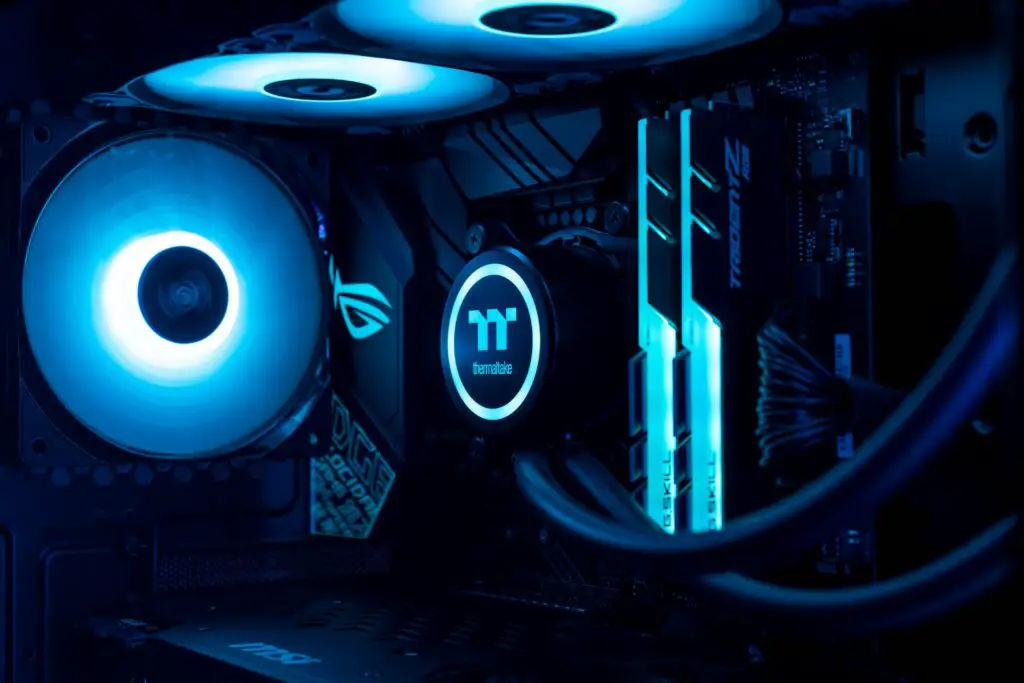
80mm Fans The 80mm fan is the smallest and most compact case fan available. These fans are suitable for smaller PC cases or where space is limited. However, due to their smaller size, they typically produce less airflow and can be louder than larger fans. If you’re building a small form factor PC, an 80mm fan may be the only option for a case fan.
120mm Fans The 120mm fan is the most popular and commonly used case fan size. These fans strike a balance between size, noise level, and airflow. They are large enough to provide good airflow while being small enough to fit in most PC cases. Additionally, there are many different types of 120mm fans available, from basic models to high-end models with customizable lighting and advanced control features.
140mm Fans 140mm fans are larger than 120mm fans, providing increased airflow while often being quieter due to their larger blades. These fans are a good choice for larger PC cases, where they can move more air through the case with less noise. However, 140mm fans may not fit in all cases, so it’s essential to check the compatibility of your case before purchasing one.
200mm Fans 200mm fans are the largest case fans available, and they are designed for use in large cases that require significant airflow. These fans are quieter than smaller fans due to their larger blades, but they may not fit in all cases. Additionally, 200mm fans tend to be more expensive than smaller fans.
Other Considerations When selecting a case fan, there are several other factors to consider beyond the fan size. These include the fan speed, noise level, and airflow rating.
Fan Speed Fan speed is measured in revolutions per minute (RPM). Higher RPM fans will typically produce more airflow but also generate more noise. Most fans will have a speed range listed in their specifications, which can help you select the right fan for your needs.
Noise Level Noise level is measured in decibels (dB). Fans with lower dB ratings will be quieter, while fans with higher dB ratings will be louder. If noise is a concern for your build, look for fans with a lower dB rating or consider investing in a quieter fan model.
Airflow Rating Airflow rating is measured in cubic feet per minute (CFM) and represents the amount of air that the fan can move. Higher CFM fans will provide better cooling, but they may also be louder or require more power to operate. When selecting a fan, consider the airflow rating and how it will affect the overall cooling performance of your PC.
In conclusion, selecting the right case fan size is an essential part of building a PC. 80mm fans are the smallest and most compact option, while 120mm fans are the most popular and commonly used. 140mm fans are larger and provide increased airflow while being quieter, while 200mm fans are the largest and designed for use in large cases. When selecting a fan, consider other factors such as fan speed, noise level, and airflow rating to ensure that you get the best cooling performance for your PC.