When setting up your Vizio TV with a Dish Network satellite receiver, you may need to enter a 4-digit pairing code to connect the devices. Here’s how to find and enter the code:
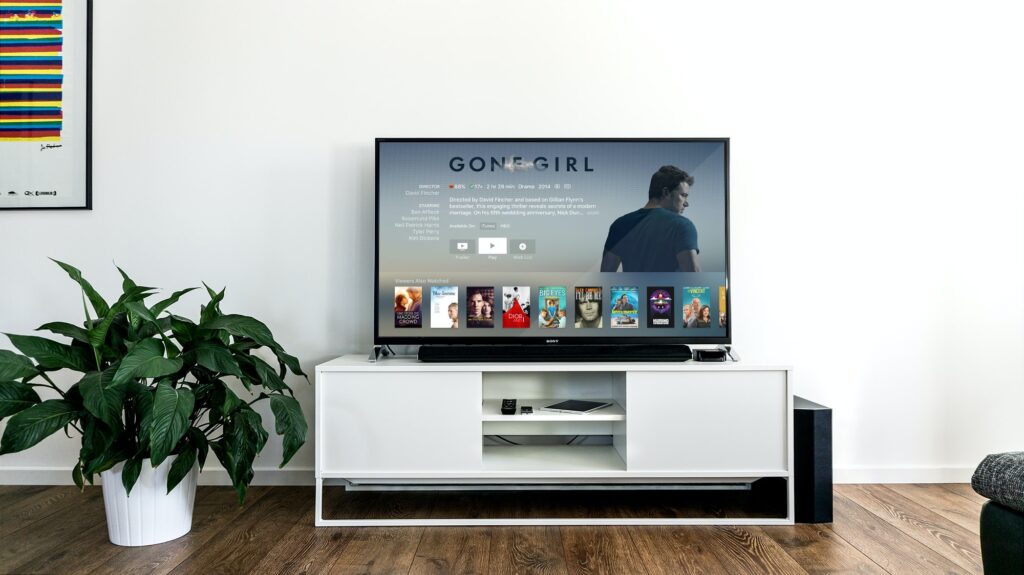
- Turn on your Vizio TV and your Dish Network satellite receiver.
- Press the Menu button on your Dish Network remote.
- Select “Settings” and then “Remote Control”.
- Select “TV” and then select the brand of your TV (in this case, Vizio).
- Follow the on-screen instructions to enter the 4-digit pairing code provided by Dish Network.
If you don’t know the 4-digit pairing code for your Vizio TV, there are a few ways to find it:
- Check the manual: The 4-digit pairing code may be listed in the manual that came with your Vizio TV or your Dish Network satellite receiver. Look for a section on pairing the devices or programming the remote.
- Use the Dish Network website: If you have an online account with Dish Network, you may be able to find the pairing code by logging in and searching for your TV model. Dish Network’s website has a tool that helps you find the right code for your TV based on the brand and model.
- Try common codes: If you don’t have the manual and can’t find the code on the Dish Network website, you can try some common codes for Vizio TVs. These codes may vary depending on the model and year of your TV, but some common codes include 1758, 0864, and 0885. To enter the code, follow the steps above.
If none of these methods work, you can try contacting Dish Network customer support for assistance. They may be able to provide you with a new code or help you troubleshoot any issues with the pairing process.
Once you have entered the correct 4-digit pairing code, your Dish Network remote should be able to control your Vizio TV. You can use the remote to turn the TV on and off, adjust the volume, and change channels.
In summary, to connect your Vizio TV with your Dish Network satellite receiver, you need to enter a 4-digit pairing code. You can find the code in the manual, on the Dish Network website, or by trying common codes. Once you have the code, follow the on-screen instructions to enter it and complete the pairing process. If you encounter any issues, contact Dish Network customer support for assistance.