LG Smart TVs are known for their advanced features that allow users to access various applications and content. However, users may encounter issues with apps not functioning on their LG Smart TV. In this article, we will explore some possible reasons for this problem and suggest some solutions.
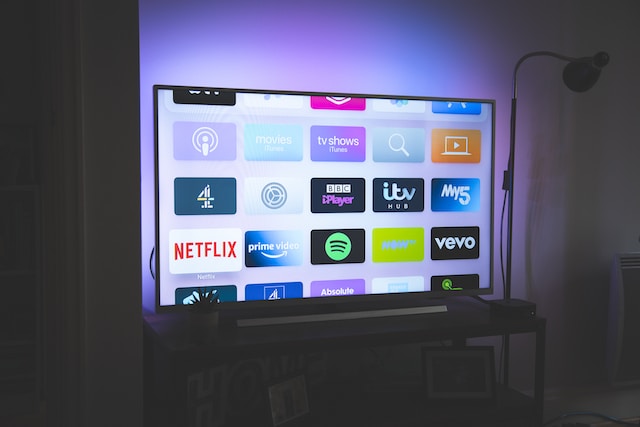
One reason why apps may not work on an LG Smart TV is outdated software. LG Smart TVs use an operating system called WebOS that requires regular updates to improve its performance and fix bugs. If the TV’s software is outdated, it may cause apps to malfunction. Therefore, it is vital to ensure that the software is up-to-date.
Another reason why apps may not work is the network connection. LG Smart TVs rely on the internet to function, and a slow or unstable network may cause apps to stop working. Also, if the TV is not connected to the internet, users cannot use any of its smart features, including the apps.
Issues with the apps themselves may also cause them to malfunction. If the app is not updated or maintained properly, it may not work on the LG Smart TV. Moreover, not all apps are compatible with LG Smart TVs. Some apps only work on specific models or operating systems, and older TVs or software may not be able to access particular apps.
To fix the problem of apps not working on an LG Smart TV, users can try updating the software by going to the Settings menu and selecting Software Update. Checking the network connection by selecting Network in the Settings menu can also help. Clearing the cache and data of the problematic app or uninstalling and reinstalling it can also resolve the issue. If none of these solutions work, resetting the TV to its factory settings may help.
In conclusion, LG Smart TVs offer various features and capabilities, including access to multiple apps. However, outdated software, network connection issues, app problems, or compatibility issues may cause apps to malfunction. By updating software, checking the network, clearing cache and data, uninstalling and reinstalling apps, or resetting the TV to its factory settings, users can resolve these issues and enjoy their LG Smart TV to the fullest.