Overall, using apps on your Vizio TV is an excellent way to enhance your entertainment experience. With a simple process to download and use apps, you can access a variety of streaming, music, news, and gaming apps that offer a vast range of content.
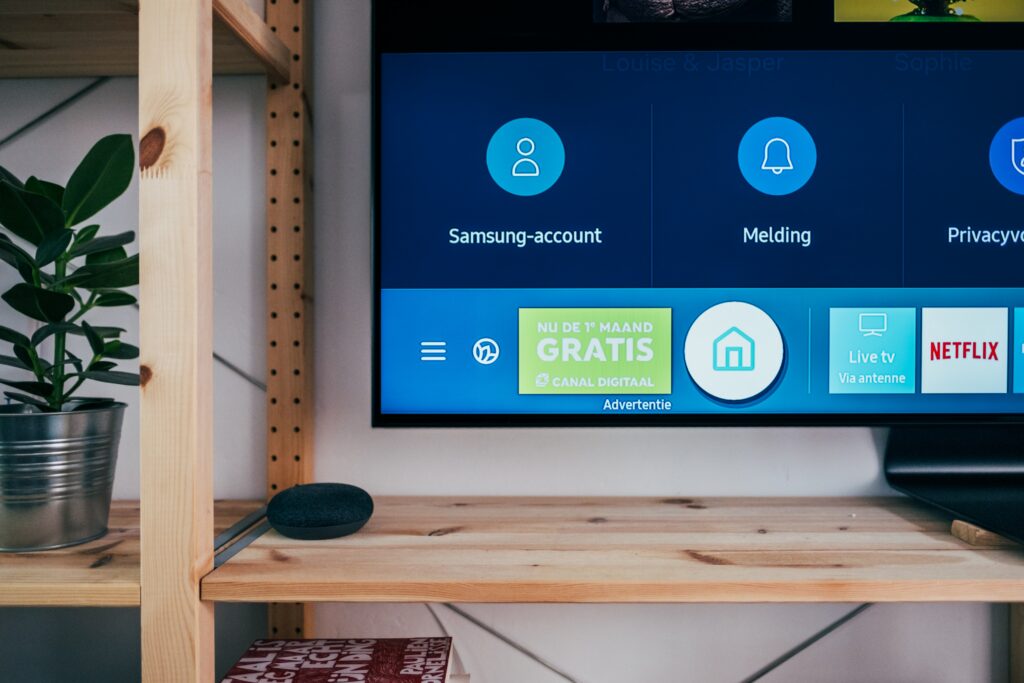
To download and use apps on your Vizio TV, you only need an internet connection and follow the steps mentioned above. Once you access the Apps tab from the SmartCast home screen, you can browse through the pre-installed apps or use the search function to find the app you want to download. Then, select the Install or Download option, and the app will start downloading and installing on your TV. Once the installation is complete, you can open the app and start using it.
There are several types of apps available on Vizio TV, including streaming apps like Netflix, Amazon Prime Video, Hulu, Disney+, and HBO Max; music apps like Spotify, Pandora, and iHeartRadio; news apps like CNN, Fox News, and NBC News; and gaming apps like GameFly Streaming, Twitch, and Pluto TV. These apps offer a vast range of content that caters to different interests and preferences.
Some of the most popular apps for Vizio TV include Netflix, Hulu, Amazon Prime Video, YouTube, Disney+, and Spotify. Netflix and Hulu are popular streaming apps that offer a variety of TV shows and movies. Amazon Prime Video is an excellent streaming app for those who are subscribed to Amazon Prime, while YouTube is a popular video-sharing app that offers a wide range of videos, including music videos, documentaries, and how-to videos. Disney+ is a relatively new streaming app that offers a variety of Disney movies and TV shows, as well as content from Marvel, Pixar, and Star Wars. Finally, Spotify is a popular music app that allows you to stream music from a wide variety of genres and create your own playlists.
In conclusion, using apps on your Vizio TV is a simple and easy process that can enhance your entertainment experience. With a variety of apps available, you can access a wide range of content that caters to your interests and preferences. So, explore the world of apps on your Vizio TV and enjoy your favorite content from the comfort of your living room.