Overclocking is the process of pushing a computer’s central processing unit (CPU) beyond its standard clock speed to achieve faster performance. It’s a common technique used by gamers, video editors, and other power users who need maximum performance from their computers. While overclocking can increase performance, it can also damage your hardware if done improperly. Therefore, it’s essential to use the right software to overclock your CPU safely.
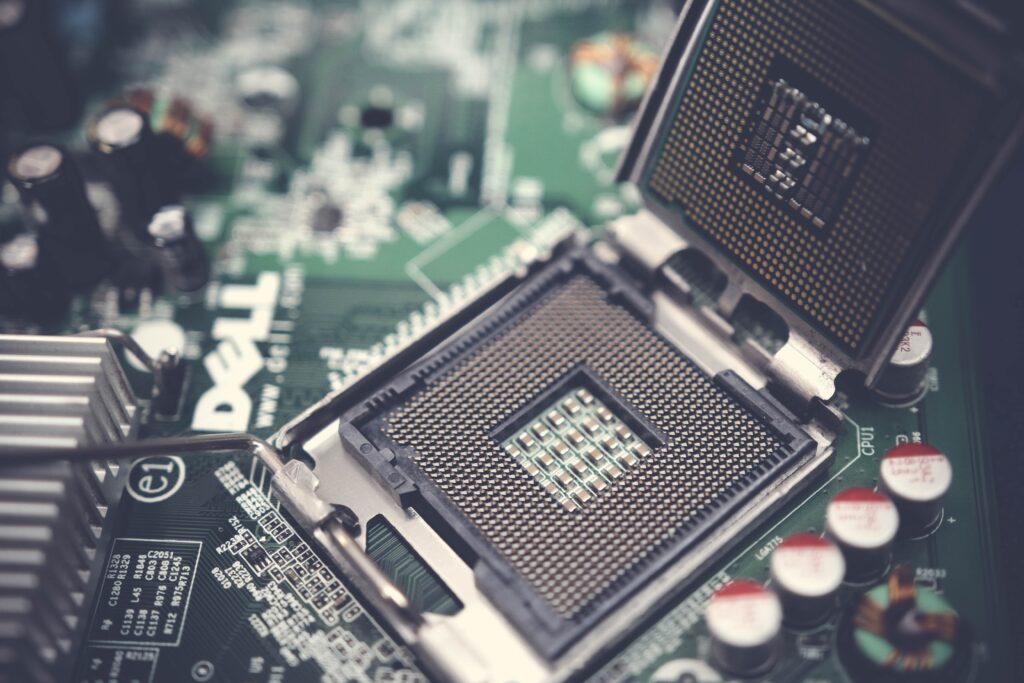
Here are some of the best CPU overclock software available in the market:
- Intel Extreme Tuning Utility (XTU)
Intel Extreme Tuning Utility is a popular software tool used for overclocking Intel CPUs. It’s easy to use and provides a user-friendly interface for beginners. The software allows users to tweak the CPU voltage, core frequency, cache frequency, and memory timings. It also has a stress test feature to check the stability of the overclocked settings.
- AMD Ryzen Master
AMD Ryzen Master is a CPU overclocking tool designed for AMD Ryzen processors. The software offers a user-friendly interface with advanced features such as dynamic core control, temperature monitoring, and clock speed adjustment. Users can also set different profiles for different tasks such as gaming or video editing.
- MSI Afterburner
MSI Afterburner is a popular GPU overclocking software that also supports CPU overclocking. The software offers an intuitive interface and advanced features such as voltage control, fan speed control, and core clock adjustment. It also has a hardware monitor to track the temperature, usage, and clock speed of your CPU and GPU.
- EVGA Precision X1
EVGA Precision X1 is another GPU overclocking software that also supports CPU overclocking. The software provides an easy-to-use interface and advanced features such as voltage control, fan speed control, and temperature monitoring. It also offers real-time frequency and voltage monitoring for precise overclocking.
- Asus AI Suite 3
Asus AI Suite 3 is an all-in-one software tool that includes CPU overclocking, fan control, power management, and system monitoring. The software provides an easy-to-use interface and advanced features such as voltage control, clock speed adjustment, and memory timing control. It also has a stress test feature to check the stability of the overclocked settings.
- CPU-Z and GPU-Z
CPU-Z and GPU-Z are free software tools that provide detailed information about your CPU and GPU. CPU-Z shows information such as CPU speed, voltage, and cache size. GPU-Z shows information such as GPU clock speed, temperature, and memory usage. While these tools do not offer overclocking functionality, they can help users monitor the performance of their hardware during the overclocking process.
In conclusion, choosing the best CPU overclock software depends on your specific needs and hardware configuration. Intel Extreme Tuning Utility and AMD Ryzen Master are excellent choices for beginners. MSI Afterburner and EVGA Precision X1 are ideal for those who want to overclock their GPU and CPU simultaneously. Asus AI Suite 3 is a great all-in-one software tool that offers CPU overclocking and system monitoring. Finally, CPU-Z and GPU-Z are useful tools for monitoring your hardware performance during the overclocking process.