Keeping your PC cool is crucial for its performance and durability. Here are some effective methods you can use:
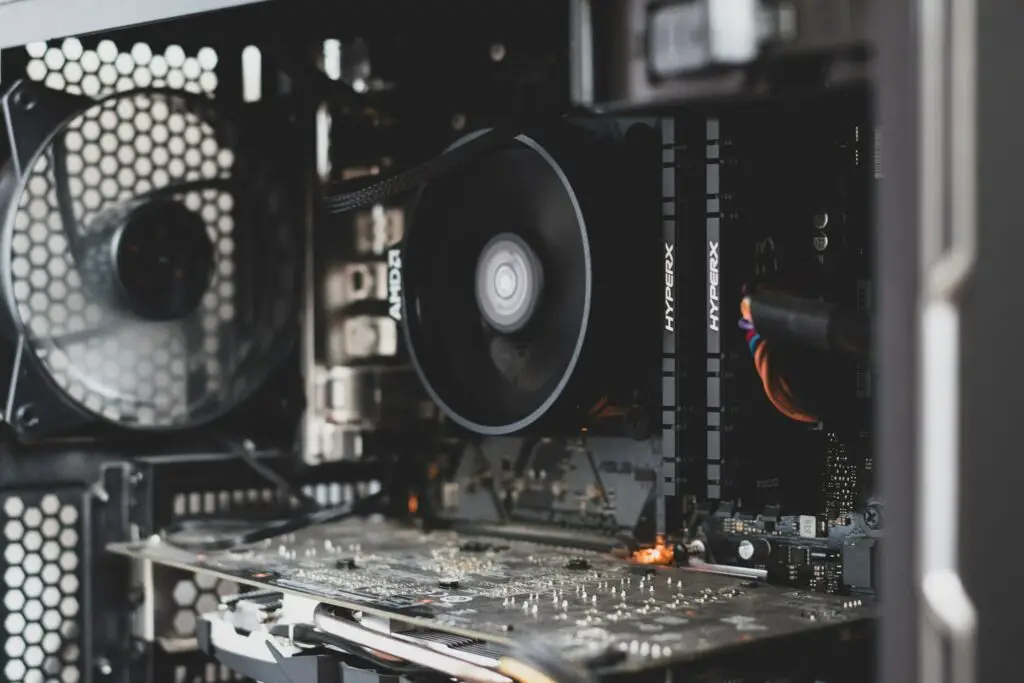
- Ensure proper ventilation and airflow:
Proper ventilation and airflow are essential for keeping your PC cool. You need to place your computer in a well-ventilated area away from heat sources. Installing additional case fans can also help improve airflow inside the case.
- Clean your PC regularly:
Dust and debris can accumulate inside your PC over time, which can clog up the fans and reduce airflow. This can cause your PC to overheat and reduce its lifespan. Cleaning your PC regularly can prevent this from happening.
- Use high-quality thermal paste:
Using high-quality thermal paste and replacing it every two years can prevent your CPU or GPU temperature from rising. Applying thermal paste evenly and in a thin layer is crucial.
- Upgrade your cooling system:
Upgrading your cooling system may be necessary if your PC is still running hot. Liquid cooling is more efficient but expensive and complicated to install. Air cooling is more affordable and easier to install.
- Adjust fan speed and power settings:
Adjusting fan speed and power settings based on your PC’s temperature can help cool it down. You can also lower the maximum CPU usage or disable power-hungry features to reduce heat generation.
To sum up, cooling your PC is vital for maintaining its performance and durability. By following the tips above, you can ensure that your PC runs cool and lasts for years to come.