Yes, you can get the Peacock app on your Samsung Smart TV. In this article, we will provide a step-by-step guide on how to download and install the Peacock app on your Samsung Smart TV.
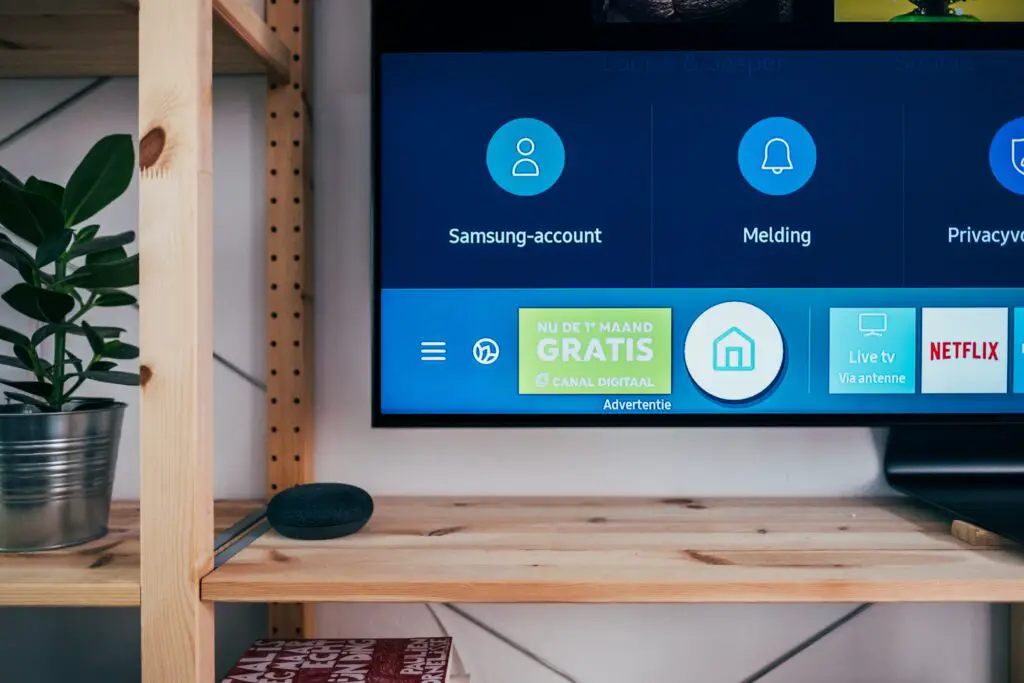
The first step is to determine if your Samsung Smart TV is compatible with the Peacock app. Peacock is available on Samsung Smart TVs that use the Tizen operating system. To check compatibility, navigate to the Samsung Smart TV app store and search for the Peacock app. If the app is available in the search results, then your TV is compatible with Peacock.
Next, to install the Peacock app, follow these simple steps. First, turn on your Samsung Smart TV and use your remote to press the Smart Hub button. Next, select the “Apps” icon from the Smart Hub menu to go to the Samsung Smart TV app store. Once there, type “Peacock” into the search bar to find the app. Choose the Peacock app from the search results, and click on “Install” to begin the installation process. The app will begin downloading and installing, and the time it takes to complete will depend on your internet connection’s speed. Once installed, the Peacock app will appear on your TV’s home screen.
After installing the Peacock app, you will need to sign in to your Peacock account to enjoy the content. If you don’t have a Peacock account, you can sign up for one through the app or the Peacock website. To sign in to the Peacock app on your Samsung Smart TV, launch the app and click on “Sign In” on the home screen. Next, enter your Peacock email address and password and click on “Sign In” to log in to your account.
Once you have signed in, you can start enjoying your favorite shows and movies on Peacock. Use the “Browse” option on the Peacock app’s home screen to navigate the library of content, or use the search function to find specific titles or genres.
In conclusion, adding the Peacock app to your Samsung Smart TV is an easy and straightforward process. By checking compatibility, installing the app, and signing in to your Peacock account, you can start enjoying your favorite content on your TV in no time.