Google Duo is a popular video chat application that allows users to make high-quality video calls to other Duo users. The app is available for both Android and iOS devices and has many features, including end-to-end encryption, a simple user interface, and support for up to 12 participants in a group call. However, one feature that the app does not currently offer is screen sharing.
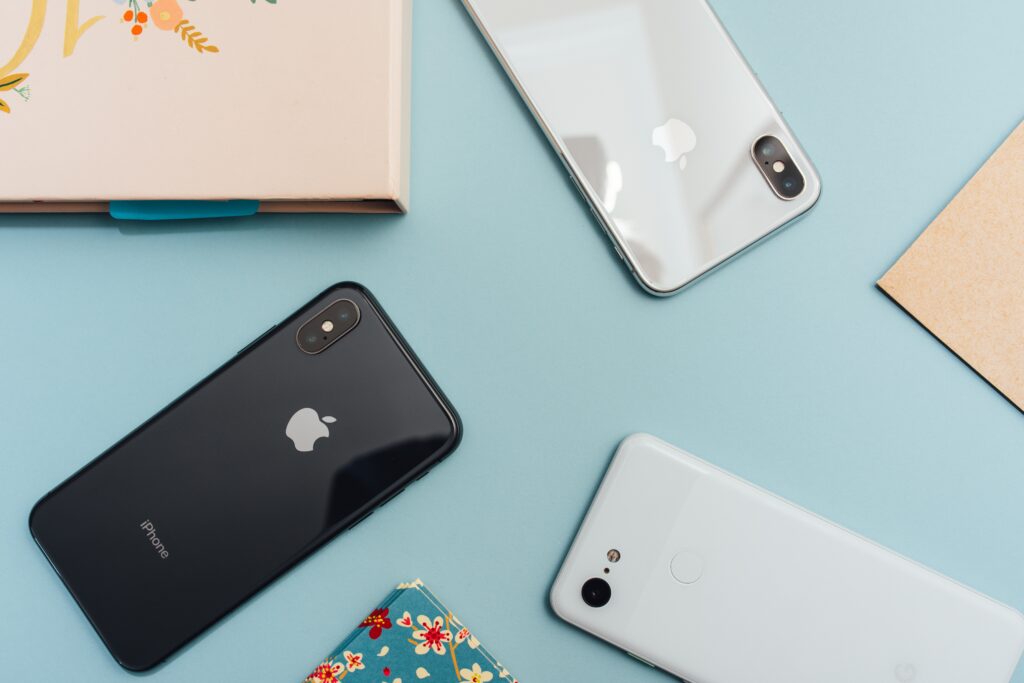
Despite the lack of built-in screen sharing, there are some workarounds that users can try to share their screen during a Duo call. One option is to use a third-party screen sharing app, such as Reflector or AirServer, that can mirror your device screen to your computer or other device. You can then share your screen with other Duo participants using a video call on a separate device, such as a computer or tablet.
But when it comes to sharing the iPhone screen on Google Duo, there are some limitations to this workaround. The reason for this is that Apple has placed restrictions on how screen mirroring can be done on iOS devices, and third-party screen sharing apps may not work as smoothly as on Android devices.
One option to mirror an iPhone screen on a computer is to use Apple’s built-in AirPlay feature. This feature allows you to wirelessly mirror your iPhone screen to a computer or Apple TV. To use AirPlay, both devices need to be on the same Wi-Fi network, and you need to have a compatible computer or Apple TV. Once you have set up AirPlay, you can share your iPhone screen with other Duo participants using a video call on the computer or Apple TV.
Another option to share an iPhone screen on Google Duo is to use a third-party app such as LonelyScreen or Reflector. These apps allow you to mirror your iPhone screen to a computer or other device, and then share your screen with other Duo participants using a video call on the same computer. However, it’s important to note that these third-party apps may not work as smoothly on iOS devices as they do on Android devices.
It’s important to keep in mind that there are limitations to sharing an iPhone screen on Google Duo, and it may not work as smoothly as on other devices. Additionally, using third-party apps to share your screen may not be as secure as using a built-in feature, as these apps may have access to sensitive information on your device.
In summary, while Google Duo does not currently offer a built-in screen sharing feature, there are some workarounds that users can try to share their screen during a Duo call. However, sharing an iPhone screen on Google Duo may have some limitations due to Apple’s restrictions on screen mirroring on iOS devices. Users can try using third-party screen sharing apps or Apple’s AirPlay feature, but it’s important to keep in mind the potential limitations and security concerns of these options.