Smart TVs allow users to enjoy an interactive and connected experience by accessing various online content and services from their living rooms. Adding apps to a smart TV is a simple process that can be accomplished in a few easy steps.
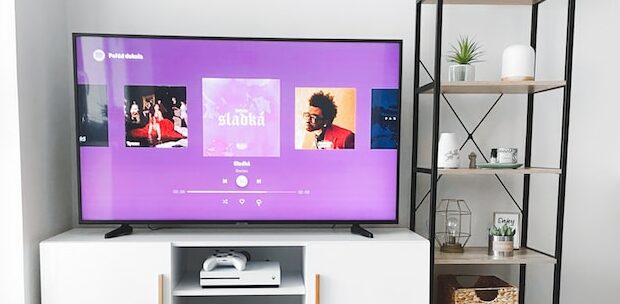
Smart TVs are TVs equipped with internet connectivity, allowing users to access online services and content from their TV. These TVs come with pre-installed apps that allow users to stream movies, TV shows, and other video content from popular streaming services like Netflix, Amazon Prime Video, and Hulu. Moreover, users can access social media, music streaming services, and other online services from their living room with ease.
Adding apps to a smart TV can be accomplished in a few simple steps. Firstly, navigate to the App Store, which can be accessed from the TV’s home screen. The App Store has a wide range of apps that can be downloaded and installed on the TV. Then, browse through the available apps to find the ones you want to download. Most app stores are organized into categories, making it easy to find apps that fit your interests. You can also use the search function to find specific apps.
Once you find the app you want to download, select it to view more information about the app. This includes a description of the app’s features, its user ratings, and the app’s size. If you are happy with the app, select the “Install” button to start the download process. After selecting the “Install” button, you will need to wait for the app to download and install on your smart TV. The amount of time this takes will depend on the size of the app and the speed of your internet connection. Finally, you can launch the app from the App Store or from the TV’s home screen.
Before adding apps to your smart TV, there are some things you should keep in mind. Not all smart TVs come with an App Store. Some apps are designed specifically for mobile devices and may not work properly on your TV. Moreover, some apps may require a paid subscription or account to use. Be sure to read the app’s description and user reviews before downloading it to avoid any surprises.
In conclusion, adding apps to a smart TV is a simple process that can enhance your smart TV experience. By accessing the App Store on your smart TV, you can enjoy a wide range of online content and services from the comfort of your living room. However, it is essential to keep in mind factors such as compatibility, paid subscriptions, and the availability of an App Store on your TV before adding apps to your smart TV.