Recovering permanently deleted text messages on an iPhone can be a difficult and sometimes impossible task. However, there are a few methods you can try to retrieve your deleted messages.
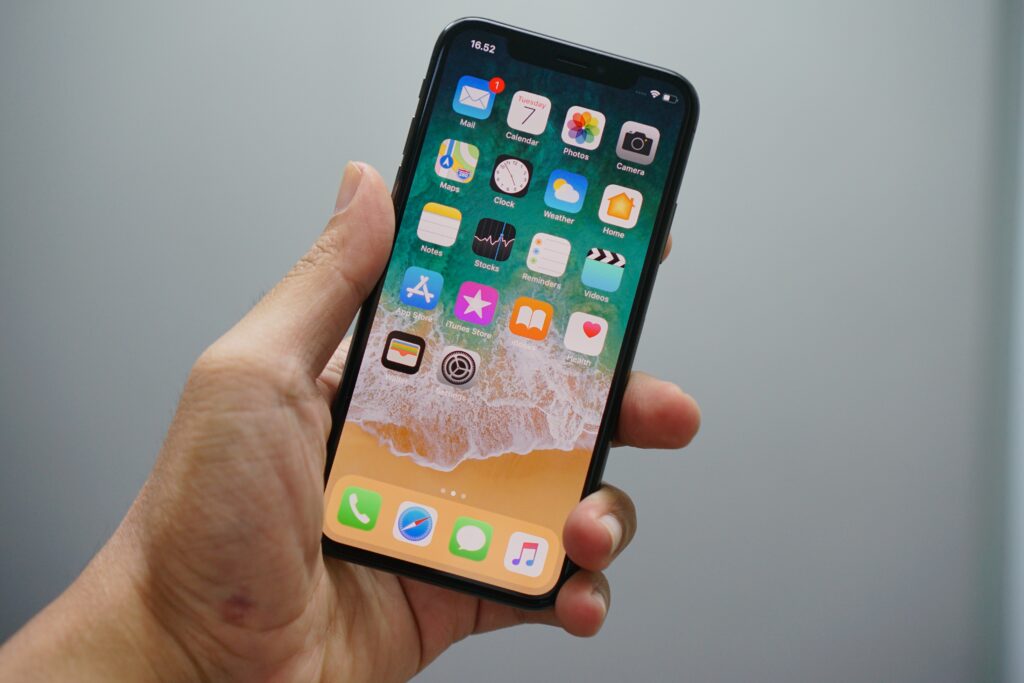
Firstly, if you have recently deleted your text messages, you can check the “Recently Deleted” folder in your Messages app. This folder holds onto your deleted messages for a certain amount of time before permanently deleting them. By checking this folder, you may be able to recover your deleted messages if they are still within the allotted time frame.
If your messages are not in the “Recently Deleted” folder, there are a few third-party software options that may help you recover your deleted messages. One popular option is Dr. Fone by Wondershare, which allows you to recover deleted data from your iPhone, including text messages. This software can be downloaded on your computer, and you can connect your iPhone to the computer to run a scan for deleted data.
It is important to note that these third-party software options are not always reliable and may not be able to recover your deleted messages. Additionally, some of these software options can be expensive and may require a subscription.
Another option is to restore your iPhone from a previous iCloud or iTunes backup. If you have regularly backed up your iPhone data to iCloud or iTunes, you may be able to restore your iPhone to a previous backup point and retrieve your deleted messages. However, this option has a downside as it will erase all data on your iPhone after the backup date, which may cause you to lose any new data you have added since the backup.
If none of these options work, it is likely that your deleted messages are gone permanently. Apple does not offer a native tool for recovering permanently deleted messages, and any attempts to retrieve them may risk damaging your iPhone or data. Therefore, it is important to always back up your iPhone regularly to prevent data loss and ensure that you have a copy of your important data in case of accidental deletion or other issues.
In conclusion, recovering permanently deleted text messages on an iPhone can be challenging, but there are a few options you can try. Checking the “Recently Deleted” folder, using third-party software, and restoring your iPhone from a previous backup are all possible methods to recover deleted messages. However, it is important to note that these methods are not always reliable, and there is a risk of damaging your iPhone or data. Therefore, the best approach is to regularly back up your iPhone data to prevent data loss and ensure that you have a copy of your important data in case of accidental deletion or other issues.