Upgrading your PC’s appearance and functionality can be achieved by changing your PC case. This can provide benefits such as improved airflow, easier access to components and a new look. However, before making a purchase, it’s crucial to consider the compatibility of the case with your motherboard, power supply and other components. Check the specifications of your hardware against those of the case to ensure that they will fit together. The form factor of your motherboard is particularly important as this will determine which cases are compatible.
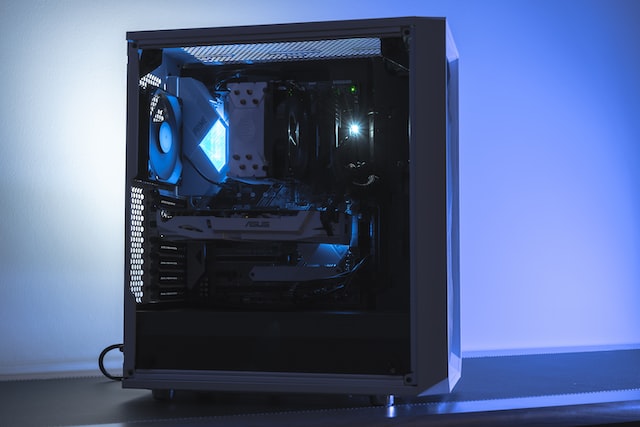
Another important factor to consider when changing your PC case is airflow. Upgrading your PC case can help to reduce temperatures and improve airflow, which will keep your components cool and prevent overheating. Look for cases with large fan mounts, ventilation, and space for additional fans if needed. Some cases may also come with built-in fan controllers or RGB lighting, which can add extra functionality and style to your build.
Ease of use is another important factor to consider when changing your PC case. A good case should be easy to assemble and disassemble, with ample space for cable management and component installation. Consider cases with tool-less installation options, removable drive cages and plenty of cable routing holes to make cable management easier. Cases with built-in fan filters can also help reduce maintenance time and keep your components dust-free.
Design and aesthetics are also important when upgrading your PC case. It’s essential to choose a case that matches your personal style and preferences, whether that’s a minimalist or flashy design. Some cases come with tempered glass side panels which can add an extra level of visual appeal. However, it’s important to remember that functionality should always be prioritized over aesthetics.
In conclusion, changing your PC case can be an effective way to upgrade your computer’s appearance and functionality. Consider the compatibility, airflow, ease of use, and design and aesthetics when choosing a new case. By taking these factors into account, you can find a case that meets your needs and helps you get the most out of your computer.