A Christmas wishlist is a great way to organize gift ideas for yourself or loved ones. Using a notes app can simplify the process, allowing you to easily add, edit, and share your wishlist.
This guide will help you create an effective wishlist that you can access anytime, ensuring you never miss an important gift idea.
Getting Started with Your Wishlist
Creating a Christmas wishlist can be a delightful task, especially when utilizing a notes app.
This method allows for easy organization and accessibility, ensuring that your ideas are always at your fingertips.
Begin by gathering your thoughts on what gifts you would love to receive or give this holiday season.
Setting Up Your Notes App
Open your preferred notes app on your smartphone or tablet.
Once the app is launched, look for the option to create a new note.
Title this note ‘Christmas Wishlist’ to keep it easily identifiable.
With the note open, you can start jotting down your gift ideas.
Consider including details such as the item name, the store where it can be found, and the estimated price if you have that information handy.
Organizing Your Wishlist
To make your wishlist visually appealing and easy to navigate, utilize bullet points or checkboxes.
This organization method helps in tracking which items have been considered and which ones are still on your list.
A well-structured wishlist can save time and reduce holiday stress.
Enhancing Your Wishlist with Visuals
Adding images or links to specific items can greatly enhance your wishlist.
Visuals provide a clearer idea of what you’re looking for, making it easier for gift-givers to understand your preferences.
If you find a product online, simply copy the link or take a screenshot to attach to your note.
Sharing Your Wishlist
Once your wishlist is complete, consider sharing it with family and friends.
Most notes apps offer a sharing feature that allows you to send your wishlist via email or messaging apps.
This step ensures that your loved ones know exactly what you want, making gift shopping a breeze.
Final Touches for a Festive Feel
To add a festive touch, customize the background of your note with holiday-themed decorations or colors.
This small detail can make the process more enjoyable and get you in the holiday spirit.
Remember, the goal is to create a wishlist that not only serves its purpose but also brings joy during the holiday season.
Step-by-Step Guide to Your Christmas Wishlist
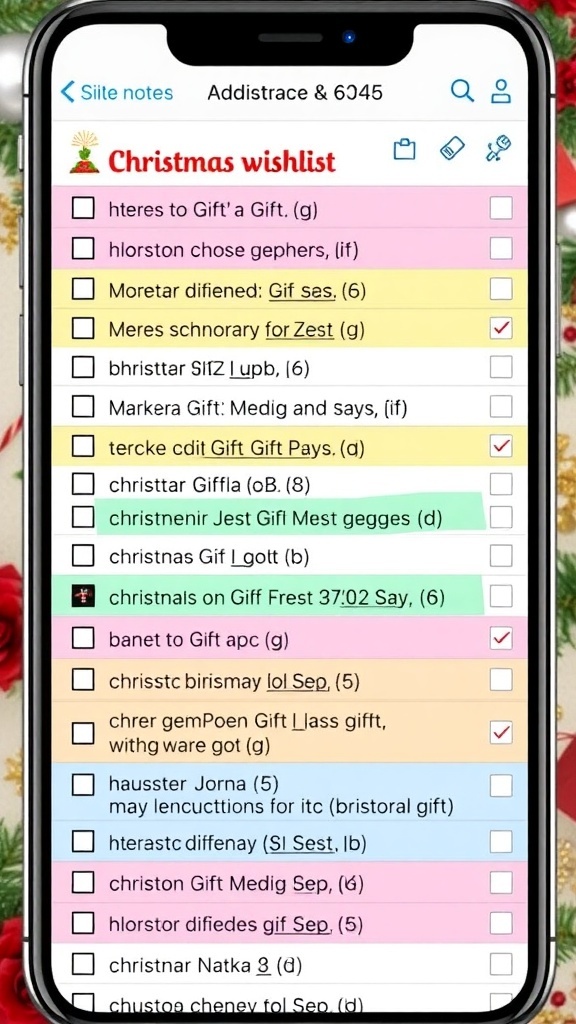
This guide outlines the steps to create a Christmas wishlist using a notes app, making it easy to keep track of gift ideas and preferences. The process is quick and user-friendly, suitable for all ages.
Ingredients
- A smartphone or tablet with a notes app installed
- A list of gift ideas or preferences
- Optional: Images or links to specific items
Instructions
- Open the Notes App: Launch the notes app on your device.
- Create a New Note: Tap on the option to create a new note and title it ‘Christmas Wishlist’.
- Add Gift Ideas: Start typing your gift ideas, including details like the item name, store, and price if known.
- Organize Your List: Use bullet points or checkboxes to keep your wishlist organized and easy to read.
- Add Images or Links: If desired, attach images or links to specific items for quick reference.
- Share Your Wishlist: Use the sharing feature to send your wishlist to family and friends, making it easier for them to know what to get you.
Cook and Prep Times
- Prep Time: 5 minutes
- Total Time: 5 minutes
- Servings: 1 wishlist
- Calories: N/A
Related
- Creating a Meaningful Christmas Wishlist
- Christmas Wishlist Notes Recipe
- 5 Essential Tips for Creating a Cozy Guest House
- 5 Essential Elements for Creating a Boho House Decor