Dish TV provides various sound settings that enable viewers to personalize their viewing experience. These options consist of features like volume control, bass, treble, and other audio attributes. Let’s have a brief overview of these sound settings and how to access them.
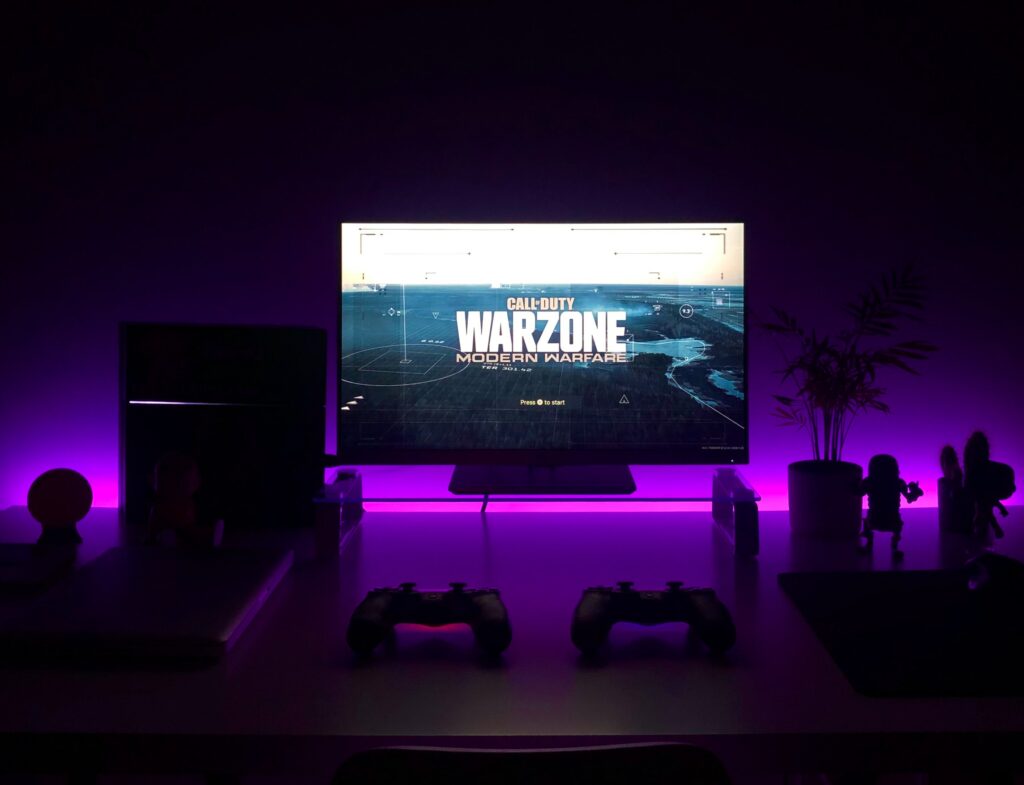
- Volume Control: The volume control is the primary sound setting on Dish TV, which allows adjusting the sound level of the television. It can be adjusted through the remote control or the buttons available on the television.
- Audio Language: Most programs on Dish TV offer multiple audio languages. If a program supports various languages, viewers can switch to their desired language by pressing the audio button on the remote control, which opens a menu to select the language.
- Audio Type: Some programs on Dish TV offer different audio types such as stereo or surround sound. Viewers can select their preferred audio type by pressing the audio button on the remote control and selecting the audio type.
- Bass and Treble: The Bass and Treble settings enable users to adjust the low and high frequencies of the sound to create a custom audio experience.
- Audio Balance: The Audio Balance setting allows adjusting the balance between the left and right speakers.
- Surround Sound: Dish TV supports surround sound, which can be used to enhance the viewing experience. Surround sound makes the audio more immersive by placing different sounds in different parts of the room.
- Audio Description: Audio Description provides an audio description of the events on the screen for visually impaired viewers. To turn on Audio Description, viewers can select the Audio Description option after pressing the audio button on the remote control.
- Audio Effects: Dish TV offers a range of audio effects that enhance the viewing experience, including Dynamic Range Control and Dialogue Enhancement.
To access these settings on Dish TV, follow these steps:
- Press the Menu button on the remote control.
- Select Settings.
- Select Audio.
- Choose the sound setting you want to adjust.
- Use the arrow buttons on the remote control to adjust the setting.
In conclusion, Dish TV provides various sound settings to personalize the viewing experience. From volume control to advanced audio effects, these features allow viewers to create a customized audio experience. By following the steps mentioned above, viewers can easily access and adjust these settings on Dish TV.
Dish tv sound settings