Disney+ is a streaming service that offers access to movies and TV shows from the Disney, Marvel, Star Wars, and National Geographic brands. It’s a popular service among families and children, and it can be accessed on various devices including smart TVs. In this guide, we’ll show you how to get Disney+ on your smart TV.
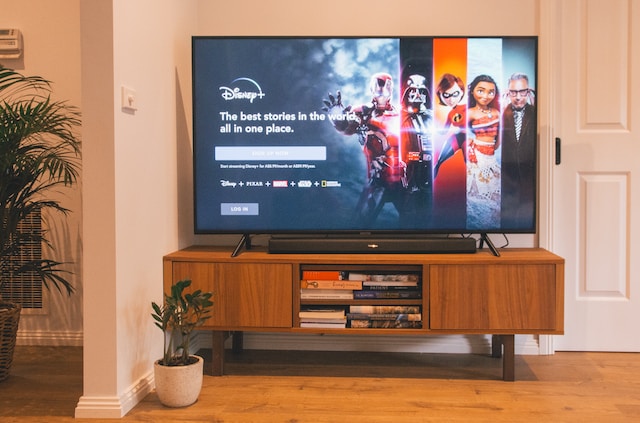
Step 1: Check for Compatibility
The first step in getting Disney+ on your smart TV is to check whether your TV is compatible. To do this, you’ll need to check the Disney+ website or app for a list of compatible devices. Generally, most modern smart TVs are compatible, but it’s always best to double-check before subscribing.
Step 2: Download the Disney+ App
Once you’ve confirmed compatibility, the next step is to download the Disney+ app on your smart TV. To do this, go to the app store on your smart TV and search for the Disney+ app. Once you find it, select it and click on the download or install button. The app should begin downloading and installing automatically.
Step 3: Launch the Disney+ App
Once the Disney+ app is installed, go ahead and launch it on your smart TV. The app will usually be located in the app section or menu of your TV. You may need to sign in with your Disney+ account or create one if you haven’t already.
Step 4: Browse and Watch
Once you’re logged into the Disney+ app on your smart TV, you can start browsing and watching your favorite movies and TV shows. You can use the app’s search function to find specific titles, or browse through the different categories and collections available. Simply click on the title you want to watch and start streaming.
Tips and Troubleshooting
- If you’re having trouble finding the Disney+ app on your smart TV, try searching for it using the search function in your TV’s app store. You can also try updating your TV’s software to see if the app becomes available.
- If you experience buffering or slow streaming, try resetting your smart TV or your internet connection. You may also want to check your internet speed and ensure that it’s fast enough for streaming.
- If you’re having trouble signing in or accessing your Disney+ account on your smart TV, try logging in on another device such as a smartphone or laptop to ensure that your account is active and working properly.
Conclusion
Getting Disney+ on your smart TV is a straightforward process that involves downloading and installing the app from the TV’s app store. Once you have the app installed, you can start browsing and watching your favorite movies and TV shows. Just be sure to check for compatibility beforehand and troubleshoot any issues that arise. With a little bit of effort, you can enjoy Disney+ on the big screen from the comfort of your own home.