An Ethernet hard drive, also known as a network-attached storage (NAS) drive, is a device that allows multiple devices to access and share files over a network connection. Unlike traditional external hard drives that connect directly to a single computer, an Ethernet hard drive connects to a network router or switch and can be accessed by multiple devices simultaneously.
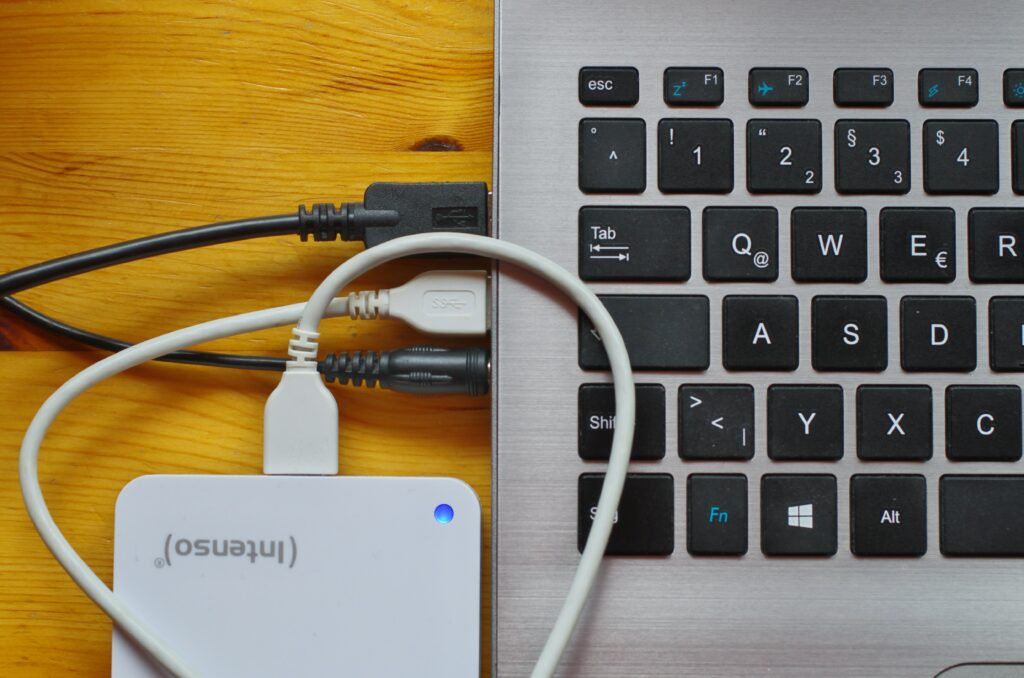
Ethernet hard drives can be useful for a variety of purposes, including:
- File sharing: With an Ethernet hard drive, you can share files with other users on your network. This is particularly useful for households or small businesses where multiple people need access to the same files.
- Backup: You can use an Ethernet hard drive as a backup solution for important files. By storing files on the hard drive, you can ensure that they are safe and secure in case of a computer failure or other data loss event.
- Media streaming: Many Ethernet hard drives have built-in media server software, which allows you to stream music, photos, and videos to other devices on your network. This is particularly useful if you have a large media collection that you want to access from multiple devices.
- Remote access: With some Ethernet hard drives, you can access your files from anywhere in the world using an internet connection. This can be useful if you need to access files on the go or if you work remotely.
When choosing an Ethernet hard drive, there are several factors to consider:
- Capacity: The capacity of the hard drive is important, especially if you plan to store a lot of files or use it for backup purposes. Make sure to choose a hard drive with enough capacity to meet your needs.
- Speed: Ethernet hard drives can vary in speed, and faster drives can provide faster access to your files. Consider the speed of the hard drive if you plan to use it for media streaming or other high-bandwidth applications.
- Features: Some Ethernet hard drives have additional features such as built-in media servers, remote access, and automated backup. Consider which features are important to you and choose a hard drive that meets your needs.
- Price: Ethernet hard drives can range in price, from budget options to high-end models with advanced features. Consider your budget and choose a hard drive that provides the features and capacity you need at a price you can afford.
Setting up an Ethernet hard drive is relatively straightforward. Here are the basic steps:
- Connect the hard drive to your network router or switch using an Ethernet cable.
- Power on the hard drive and follow the manufacturer’s instructions for setting it up. This may involve installing software or configuring settings using a web interface.
- Once the hard drive is set up, you can access it from other devices on your network. This may involve mapping the drive to a network drive letter or accessing it through a web interface.
- You can now use the hard drive to store files, share files with other users on your network, stream media, and perform backups.
In conclusion, an Ethernet hard drive can be a useful addition to any network, providing file sharing, backup, media streaming, and remote access capabilities. When choosing an Ethernet hard drive, consider the capacity, speed, features, and price, and follow the manufacturer’s instructions for setting it up.