An external hard drive with USB 3.0, also known as SuperSpeed USB, is a type of external storage device that provides faster data transfer rates compared to previous versions of USB. USB 3.0 was introduced in 2008 and is backwards compatible with USB 2.0, meaning it can still be used with devices that only have USB 2.0 ports.
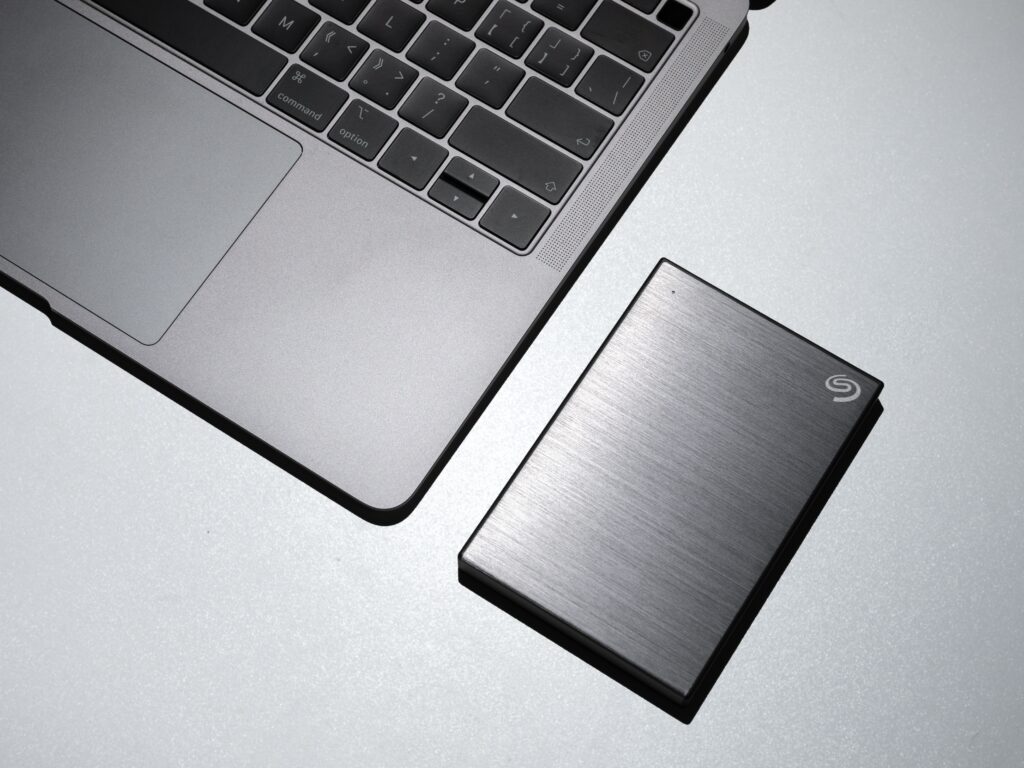
The main advantage of an external hard drive with USB 3.0 is its faster data transfer rate. USB 3.0 has a theoretical maximum transfer rate of 5 Gbps, which is about ten times faster than USB 2.0’s maximum transfer rate of 480 Mbps. This means that large files such as high-definition videos, photos, and games can be transferred much faster, making it ideal for content creators and professionals who need to transfer large files quickly.
When choosing an external hard drive with USB 3.0, there are several factors to consider:
- Capacity: The capacity of the external hard drive is an important factor to consider. It should have enough space to store all of your files, including backups, media files, and documents.
- Speed: USB 3.0 provides faster data transfer rates, but the speed of the external hard drive’s disk can also affect transfer speeds. Consider the rotational speed of the disk when choosing an external hard drive.
- Portability: If you plan on taking your external hard drive with you on the go, consider its size and weight. Smaller drives are generally more portable, but may have less storage capacity.
- Durability: External hard drives can be delicate, so consider the durability of the drive when choosing one. Look for drives with shock-resistant casing or other protective features to prevent damage from drops or bumps.
- Price: External hard drives with USB 3.0 can vary in price, so consider your budget when choosing a drive. Prices can range from budget options to high-end models with advanced features.
Once you have chosen an external hard drive with USB 3.0, setting it up is relatively straightforward:
- Connect the external hard drive to your computer using the USB 3.0 cable. If your computer does not have a USB 3.0 port, it can still be connected to a USB 2.0 port, but transfer speeds will be slower.
- Your computer should automatically recognize the external hard drive and prompt you to format it if it has not already been formatted.
- Once the external hard drive is formatted, you can begin transferring files to and from the drive.
- It is recommended to safely eject the external hard drive from your computer before unplugging it to prevent data loss or corruption.
In conclusion, an external hard drive with USB 3.0 provides faster data transfer rates compared to previous versions of USB, making it ideal for professionals and content creators who need to transfer large files quickly. When choosing an external hard drive with USB 3.0, consider its capacity, speed, portability, durability, and price. Setting up the external hard drive is relatively straightforward, and it can be used for backing up files, storing media files, and transferring files between computers.