An external hard drive is a type of storage device that allows you to store and access data from outside of your computer’s internal hard drive. It can be used to backup important files, store media like photos and videos, and free up space on your computer’s internal storage. However, like any other electronic device, external hard drives can break or fail due to a variety of reasons. In this article, we will discuss the common causes of external hard drive failure and the steps you can take to recover your data.
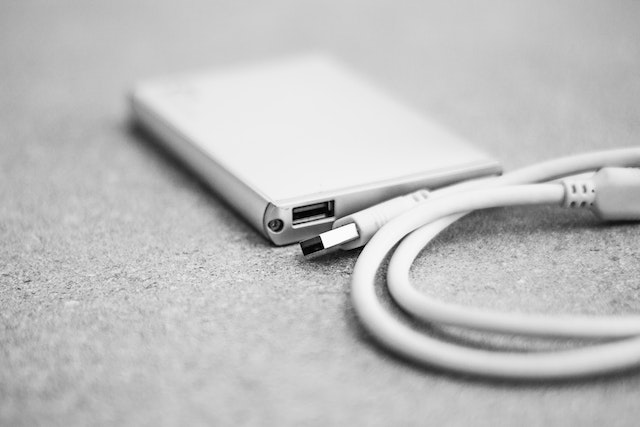
Causes of External Hard Drive Failure There are several reasons why your external hard drive might stop working or fail:
- Physical Damage: Dropping or mishandling your external hard drive can cause physical damage to the device, such as a cracked or scratched disk, damaged motor or head, or broken USB port. This can lead to problems with reading or writing data, making the drive inaccessible.
- Electrical Failure: If the power supply or circuit board of your external hard drive fails, it can result in a total loss of data. This can happen due to power surges or incorrect power supply.
- Logical Failure: A logical failure occurs when the external hard drive is unable to read or write data due to software or firmware issues. This can happen due to virus or malware attack, corruption of file system, or bad sectors on the disk.
Steps to Recover Data from an External Hard Drive If you are unable to access the data on your external hard drive, there are a few steps you can take to recover it:
- Check the Connections: Ensure that the USB cable and power supply of your external hard drive are properly connected and functional. Try using a different USB cable or power supply to see if that resolves the issue.
- Check for Physical Damage: Inspect your external hard drive for any physical damage, such as scratches or cracks. If you notice any damage, do not attempt to use the drive, as this can cause further damage.
- Use Data Recovery Software: There are several data recovery software available that can help you recover lost or deleted data from your external hard drive. These software tools scan the drive and retrieve data from the disk.
- Consult a Professional Data Recovery Service: If none of the above steps work, consider consulting a professional data recovery service. These services have specialized tools and expertise to recover data from physically damaged or corrupted hard drives.
Preventing External Hard Drive Failure While it is not always possible to prevent external hard drive failure, there are a few steps you can take to minimize the risk:
- Handle with Care: Avoid dropping or mishandling your external hard drive. Use a protective case to transport it safely.
- Backup Regularly: Backup your important data regularly to another storage device or cloud storage. This will ensure that you have a copy of your data in case of a hard drive failure.
- Use Surge Protectors: Use a surge protector to protect your external hard drive from power surges or voltage spikes.
- Keep Your Antivirus Software Updated: Install and regularly update antivirus software to protect your external hard drive from malware or virus attacks.
Conclusion External hard drives are a convenient way to store and access data outside of your computer’s internal hard drive. However, they can fail due to physical, electrical, or logical reasons. If you are unable to access the data on your external hard drive, you can try the steps mentioned above to recover it. To prevent external hard drive failure, handle the device with care, backup your data regularly, use surge protectors, and keep your antivirus software updated.