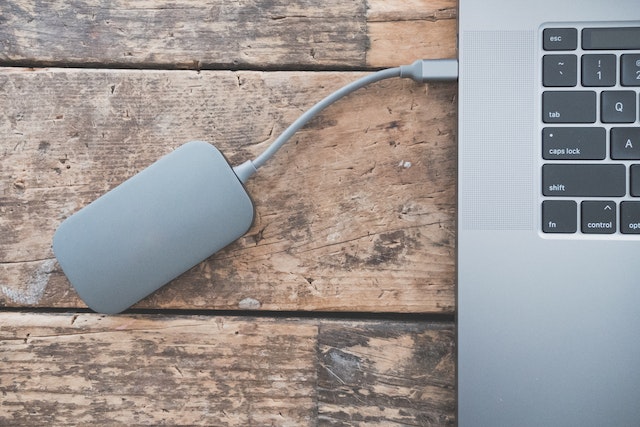
An external hard drive is an incredibly useful tool for storing and transferring data. Unfortunately, like any electronic device, external hard drives are prone to corruption. This can happen for a variety of reasons, including physical damage, software errors, and power surges. In this article, we’ll explore the causes of external hard drive corruption, the signs of a corrupt drive, and what you can do to prevent and recover from external hard drive corruption.
Causes of External Hard Drive Corruption
There are several reasons why an external hard drive might become corrupted. One of the most common causes is physical damage. If your hard drive is dropped or exposed to extreme temperatures or moisture, the delicate internal components can be damaged, leading to corruption. Other physical causes of corruption include a malfunctioning USB port, a damaged cable, or a power surge.
Another common cause of external hard drive corruption is software errors. If there are errors on the disk, such as bad sectors or file system errors, these can cause the drive to become corrupted. This can happen if the drive is not properly ejected from the computer, if the computer crashes while writing to the drive, or if the drive is infected with a virus or malware.
Signs of a Corrupt Drive
If your external hard drive is corrupted, you may notice some of the following signs:
- The drive is not recognized by the computer
- The computer takes a long time to access the files on the drive
- Files on the drive are missing or corrupted
- The drive makes strange noises or clicks
If you notice any of these signs, it’s important to take action right away to prevent further damage to the drive and to recover your data.
Preventing External Hard Drive Corruption
There are several steps you can take to prevent external hard drive corruption. First and foremost, be gentle with your drive. Avoid dropping it or exposing it to extreme temperatures or moisture. When disconnecting the drive from your computer, always use the “eject” option to ensure that all data has been properly written to the drive.
Regularly backing up your data is also crucial for preventing external hard drive corruption. If your drive does become corrupted, having a backup will ensure that you don’t lose any important files. You can back up your data to another external hard drive, a cloud storage service, or a physical storage device like a USB drive.
Finally, be sure to keep your antivirus software up to date and perform regular scans of your computer and external hard drive to detect and remove any malware or viruses.
Recovering from External Hard Drive Corruption
If your external hard drive becomes corrupted, the first step is to stop using the drive immediately. Continuing to use the drive can cause further damage and make it more difficult to recover your data.
There are several methods for recovering data from a corrupted external hard drive. One option is to use data recovery software. There are many different data recovery programs available, both free and paid, that can scan your drive for lost or damaged files and attempt to recover them.
If the data recovery software is unable to recover your data, you may need to seek professional data recovery services. These services use specialized equipment and techniques to recover data from damaged hard drives. However, professional data recovery can be expensive, so it’s important to weigh the cost against the value of your data.
In conclusion, external hard drive corruption can be a frustrating and stressful experience, but there are steps you can take to prevent it and recover your data if it does occur. By being gentle with your drive, regularly backing up your data, and taking quick action if you notice any signs of corruption, you can minimize the risk of data loss and keep your external hard drive functioning smoothly for years to come.