If you have a Toshiba external hard drive that is not working correctly, one of the first things to check is whether or not you have the correct drivers installed on your computer. The driver is the software that allows your computer to communicate with the external hard drive, and without it, the device may not work correctly. Here is some information about finding and installing the correct driver for your Toshiba external hard drive.
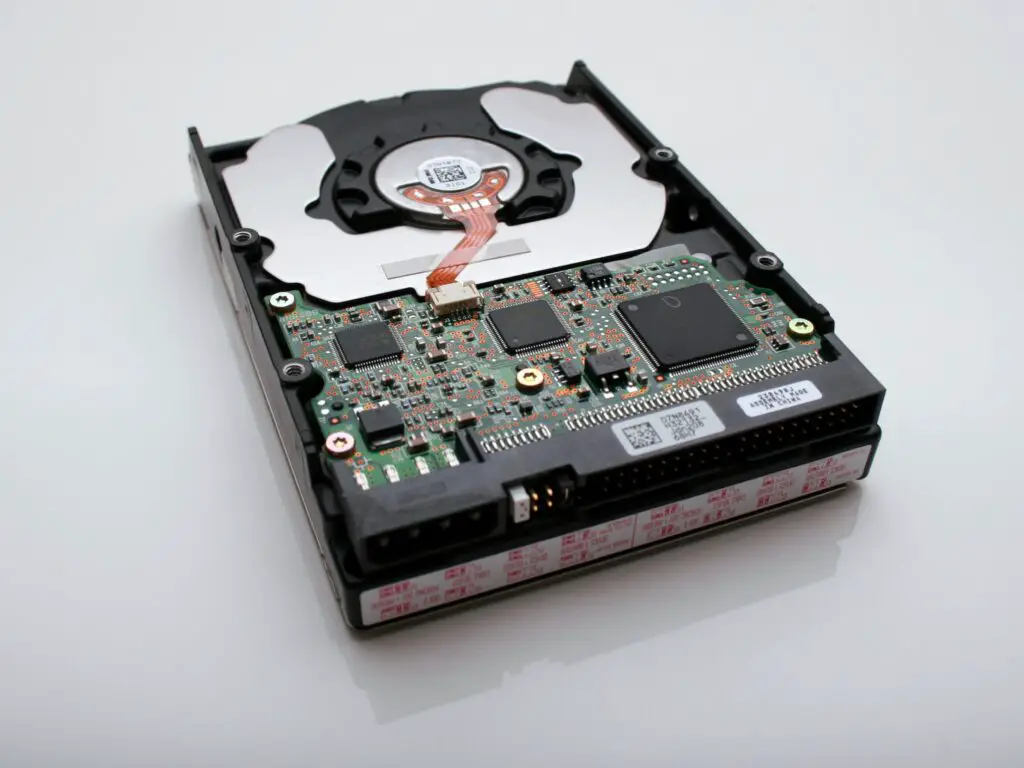
- Identify the model number of your Toshiba external hard drive. This can usually be found on the device itself or in the documentation that came with it. The model number is important because it will help you find the correct driver for your specific device.
- Go to the Toshiba website and navigate to the support section. You can do this by searching for “Toshiba support” in your web browser and clicking on the first result.
- In the support section, look for a link that says “Downloads” or “Drivers.” This will take you to a page where you can search for and download the driver for your Toshiba external hard drive.
- Enter the model number of your Toshiba external hard drive in the search box provided on the Downloads page. Make sure you select the correct operating system that you are using on your computer.
- Locate the driver for your specific model of Toshiba external hard drive and click on the “Download” button. Save the file to your computer in a location where you can easily find it later.
- Once the driver has finished downloading, locate the file on your computer and double-click it to begin the installation process.
- Follow the on-screen instructions to complete the installation of the driver. You may need to restart your computer once the installation is complete.
- Once your computer has restarted, connect your Toshiba external hard drive to your computer and wait for it to be recognized. If the driver was installed correctly, your computer should recognize the device and allow you to access the files stored on it.
If you encounter any issues during the installation process or if your Toshiba external hard drive still does not work correctly after installing the driver, you may want to contact Toshiba customer support for further assistance. They may be able to provide additional troubleshooting steps or help you determine if there is a problem with the device itself.
In summary, installing the correct driver for your Toshiba external hard drive is essential for ensuring that the device works correctly. By following the steps above, you should be able to find and install the correct driver for your specific model of Toshiba external hard drive. Once the driver is installed, you should be able to access the files stored on the device without any issues.