When using an external hard drive, it is not uncommon to experience a slowdown in computer performance. This can be frustrating, particularly when you are trying to complete a task quickly or run multiple programs simultaneously. However, there are several reasons why an external hard drive may be causing your computer to slow down, and understanding these can help you to find an appropriate solution.
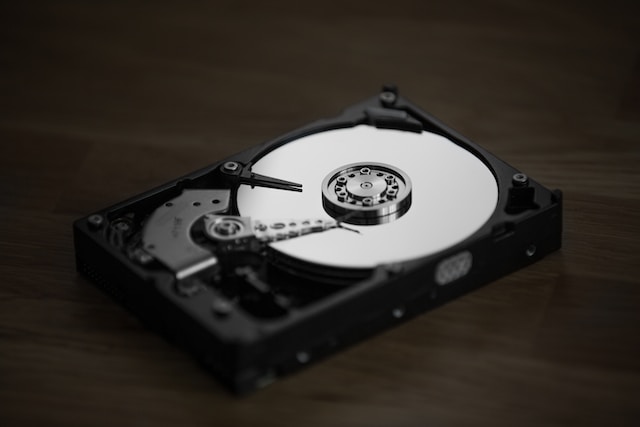
- The hard drive is connected to a slow USB port The first thing to consider is the type of USB port that the hard drive is connected to. If the external hard drive is connected to a USB 2.0 port, it may be slower than if it were connected to a USB 3.0 or 3.1 port. This is because USB 2.0 ports have a maximum data transfer rate of 480 Mbps, while USB 3.0 ports have a maximum data transfer rate of 5 Gbps. Therefore, if you are using a USB 2.0 port, upgrading to a USB 3.0 or 3.1 port may help to improve performance.
- The hard drive is nearly full Another reason why an external hard drive may be causing your computer to slow down is that it is nearly full. When a hard drive is almost full, it may take longer for your computer to access the files stored on it. Additionally, your computer may need to work harder to manage the files, which can cause performance issues. Therefore, it is recommended to keep at least 10-20% of the external hard drive free to ensure optimal performance.
- The hard drive is fragmented When you use an external hard drive, the files stored on it can become fragmented over time. This means that parts of the same file may be stored in different locations on the hard drive, which can slow down file access times. To fix this issue, you can run a disk defragmentation tool, which will rearrange the files on the hard drive so that they are stored in a contiguous manner. This will help to improve file access times and overall performance.
- The hard drive is failing If none of the above solutions work, it is possible that the external hard drive is failing. When a hard drive begins to fail, it may cause performance issues, as well as other problems such as data loss or corruption. Therefore, it is important to back up your data regularly and consider replacing the hard drive if it is showing signs of failure.
- The computer is infected with malware Sometimes, a slowdown in computer performance can be caused by malware or viruses that have infected your computer. Malware can slow down your computer by using up system resources, such as CPU and memory, and may also cause other problems such as crashes or freezes. Therefore, it is important to regularly scan your computer for malware and viruses, and to keep your antivirus software up to date.
- The computer’s hardware is outdated Finally, it is possible that the external hard drive is not the issue at all, and that the problem lies with your computer’s hardware. If your computer is outdated, it may not have the necessary processing power or memory to handle large files or multiple programs at once. Therefore, upgrading your computer’s hardware, such as the processor or memory, may be necessary to improve performance.
In conclusion, there are several reasons why an external hard drive may be causing your computer to slow down. By considering the above factors, you can identify the cause of the issue and take appropriate steps to fix it. Whether it involves upgrading your USB port, freeing up space on your hard drive, or replacing a failing hard drive, addressing the issue can help to improve your computer’s performance and ensure that you can work efficiently and effectively.