An external hard drive is a device that people use to store and transfer data between computers. Unfortunately, there are times when users can’t access their files and see an error message that says “The parameter is incorrect.” In this article, we’ll explore some of the reasons why this error can occur and suggest solutions to fix it.
What Causes the “Parameter is Incorrect” Error?
Several factors can cause users to encounter the “parameter is incorrect” error message when trying to access files on their external hard drives. The following are some of the most common reasons:
Corrupted File System One of the most common causes of the “parameter is incorrect” error is a corrupted file system. This can occur if the external hard drive is disconnected from the computer improperly or if there is a power failure while files are being transferred. In some cases, virus or malware infections can also cause file system corruption.
File Name or Path Length Another possible cause of the “parameter is incorrect” error is when file names or path lengths exceed the limit set by Windows. When a file or folder name exceeds the limit, the operating system generates the error message.
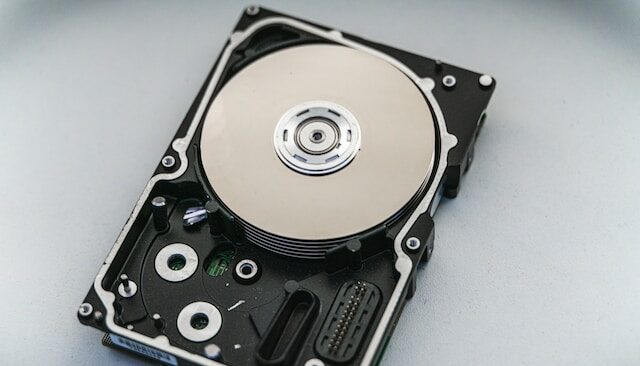
Hardware Issues Hardware problems such as a faulty cable or a damaged external hard drive can also cause the “parameter is incorrect” error message. If the external hard drive is physically damaged, users may need to replace it to access their data.
How to Fix the “Parameter is Incorrect” Error?
There are several solutions that users can try to fix the “parameter is incorrect” error message. These include:
Check the File System for Errors To identify and fix any errors that may be causing the issue, users can run a file system check on the external hard drive. To do this, they can right-click on the drive in File Explorer, select “Properties,” and click on the “Tools” tab. From there, they can click on “Check” under the “Error checking” section.
Shorten File or Path Names If the issue is caused by file name or path length, users can try renaming files or folders to shorten their names. They can also move files or folders to a higher level in the directory structure to shorten the path length.
Replace the Cable or External Hard Drive If the issue is caused by hardware problems, users can try replacing the cable or the external hard drive itself. If the external hard drive is still under warranty, users may be able to get a replacement from the manufacturer.
Use Data Recovery Software If none of the above solutions work, users can try using data recovery software to recover their files. There are several free and paid data recovery programs available that can help users recover data from damaged or corrupted external hard drives.
Conclusion
In conclusion, the “parameter is incorrect” error message can be frustrating for users trying to access their files on an external hard drive. However, there are several solutions available to fix the issue, including checking the file system for errors, shortening file or path names, replacing the cable or external hard drive, and using data recovery software. It is important for users to regularly back up their data to prevent data loss in the event of hardware or software issues.