External hard drives typically come with a few different types of wires, depending on the connectivity options available on the hard drive and the computer you’re using it with. Here are some common types of wires that you might encounter when setting up an external hard drive:
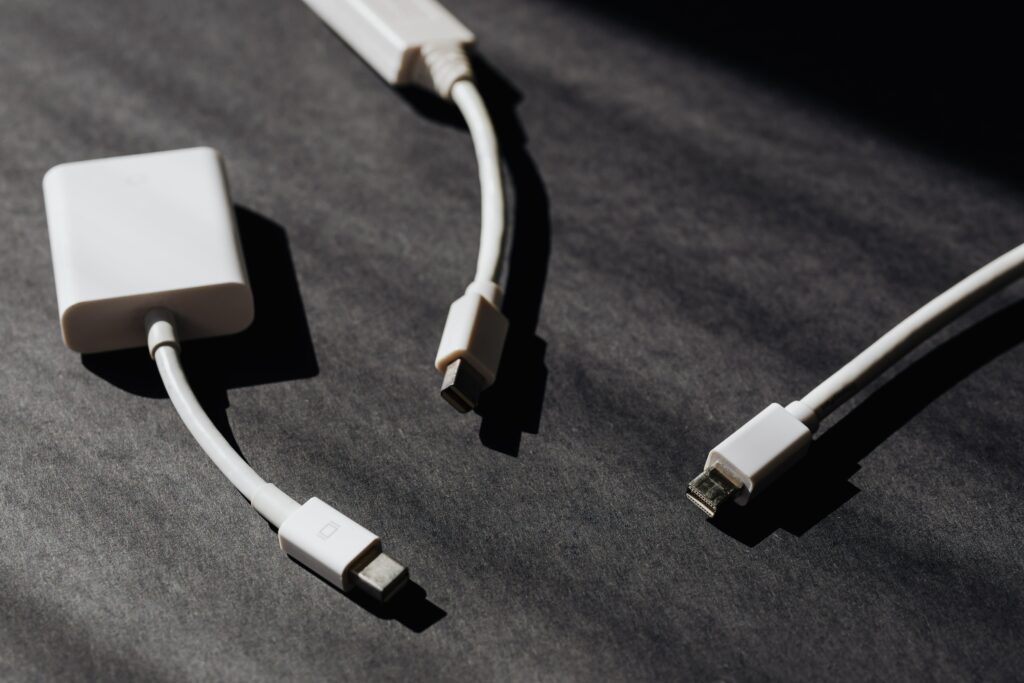
- USB Cable: Most external hard drives will come with a USB cable. This cable is used to connect the hard drive to your computer or other device, and it allows you to transfer files between the two. USB cables come in different versions, such as USB 2.0 and USB 3.0, and it’s important to make sure that your hard drive and computer have compatible USB ports.
- Power Cable: Some external hard drives require a power cable in addition to a USB cable. This is because they need more power than can be provided through a USB connection alone. The power cable is typically an AC adapter that plugs into an electrical outlet and then into the hard drive. Make sure to use the power cable that comes with your hard drive, as using the wrong cable can damage the device.
- Thunderbolt Cable: Some external hard drives use a Thunderbolt cable for connectivity. Thunderbolt is a high-speed data transfer technology that can provide faster transfer rates than USB. Thunderbolt cables look similar to USB cables, but they have a slightly different shape and may be labeled as “Thunderbolt” or have a lightning bolt icon on them.
- FireWire Cable: Older external hard drives may use a FireWire cable for connectivity. FireWire is another high-speed data transfer technology that was popular in the early 2000s. FireWire cables look similar to Thunderbolt cables but have a different shape and may be labeled as “IEEE 1394” or “i.LINK.”
- eSATA Cable: Some external hard drives use an eSATA cable for connectivity. eSATA is a data transfer technology that provides faster transfer rates than USB but is not as fast as Thunderbolt. eSATA cables look similar to USB cables but have a different shape and may be labeled as “eSATA” or “SATA II.”
- USB-C Cable: Some newer external hard drives may use a USB-C cable for connectivity. USB-C is a newer, reversible version of USB that can provide faster transfer rates than traditional USB. USB-C cables are rectangular in shape and may be labeled as “USB-C” or “Type-C.”
- Ethernet Cable: Some external hard drives are designed to be used as network-attached storage (NAS) devices. These drives connect to your network using an Ethernet cable, which allows multiple devices to access the same files simultaneously. Ethernet cables are typically thicker and bulkier than USB cables and are usually labeled with the category of Ethernet they support, such as “Cat 5e” or “Cat 6.”
- DisplayPort Cable: Some external hard drives come with a built-in display, such as a digital picture frame or a video player. These drives may use a DisplayPort cable to connect to your computer or other device. DisplayPort is a video interface technology that can provide high-resolution video and audio signals. DisplayPort cables are rectangular in shape and may be labeled as “DisplayPort” or “DP.”
- HDMI Cable: Similar to DisplayPort, some external hard drives may use an HDMI cable to connect to a display. HDMI is a digital video and audio interface technology that is commonly used for connecting devices like TVs, monitors, and projectors. HDMI cables are typically rectangular and may be labeled as “HDMI.”
- Adapter Cables: In some cases, you may need an adapter cable to connect your external hard drive to your computer. For example, if your computer only has USB-C ports but your hard drive has a USB-A port, you may need a USB-C to USB-A adapter cable. Similarly, if your hard drive uses a FireWire port but your computer doesn’t have a FireWire port, you may need a FireWire to USB adapter cable.
In summary, the type of wires you’ll need for your external hard drive will depend on the connectivity options available on the hard drive and your computer. Most external hard drives will come with a USB cable, and some may also require a power cable. Other types of cables you might encounter include Thunderbolt, FireWire, and eSATA cables. Make sure to use the cables that come with your hard drive and check that your computer has compatible ports for the type of cable you’re using.