Hard drive boxes are external enclosures designed to hold a hard drive securely and connect it to a computer or other device via a USB or other interface. These boxes can be used to convert internal hard drives into external ones, allowing for easy backup and data transfer. In this article, we will discuss the different types of hard drive boxes and their key features.
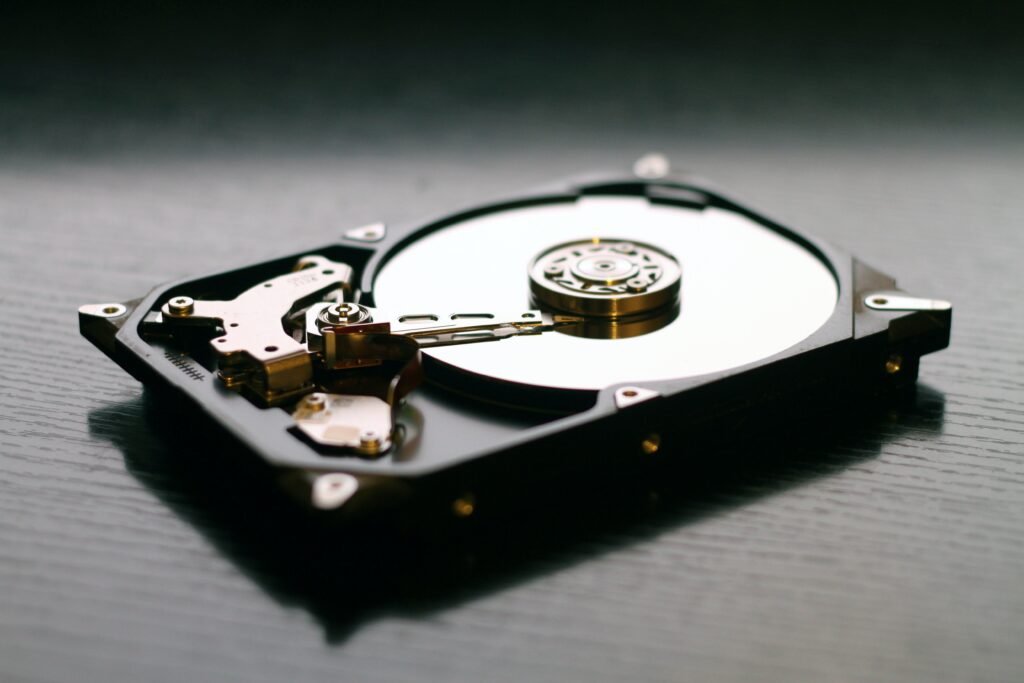
Types of Hard Drive Boxes:
- Single Drive Enclosure: A single drive enclosure is designed to hold one hard drive, whether it’s a 2.5-inch or 3.5-inch drive. These boxes usually have a USB interface, making it easy to connect to a computer. Some enclosures may also have eSATA or Thunderbolt interfaces for faster data transfer speeds. Single drive enclosures are the most common type of hard drive box, and they are available in a range of prices and features.
- Dual Drive Enclosure: Dual drive enclosures can hold two hard drives, which can be configured in a RAID setup for redundancy or speed. These boxes are larger than single drive enclosures and are usually more expensive. They are ideal for users who need more storage space or require a backup solution.
- Network Attached Storage (NAS): NAS enclosures are designed to hold multiple hard drives and connect to a network, making it easy to share files and folders across multiple devices. These boxes usually have more advanced features, such as the ability to set up user accounts, access control, and remote access. NAS boxes can be more expensive than single or dual drive enclosures, but they offer greater flexibility and functionality.
Key Features of Hard Drive Boxes:
- Compatibility: Before purchasing a hard drive box, it’s essential to ensure that it is compatible with the type of hard drive you intend to use. Most boxes will support both 2.5-inch and 3.5-inch drives, but some may only support one type or have a maximum capacity limit. It’s also essential to ensure that the box is compatible with your computer’s operating system.
- Interface: The interface determines how the hard drive box connects to a computer or other device. Most boxes have a USB interface, which is the most common type. However, some boxes may have eSATA or Thunderbolt interfaces for faster data transfer speeds. It’s important to choose a box with an interface that is compatible with your computer or device.
- RAID Support: RAID support allows users to configure multiple hard drives in a box for either redundancy or speed. RAID 0 configuration increases the speed of data transfer, while RAID 1 provides redundancy in case one drive fails. Some boxes may also support RAID 5 or RAID 6 configurations, which offer greater redundancy and data protection.
- Cooling: Hard drives generate heat when in use, and excessive heat can reduce the lifespan of a drive. Some hard drive boxes have built-in cooling fans or passive cooling systems to dissipate heat and keep the drive cool. This is especially important for users who plan to use the hard drive box for extended periods or for high-performance applications.
- Portability: Portability is another key feature to consider when purchasing a hard drive box. Some boxes are designed to be compact and lightweight, making them easy to carry around. Others may have a rugged construction and shock resistance to protect the drive from damage during transportation.
In conclusion, hard drive boxes are a useful tool for converting internal hard drives into external ones for backup and data transfer. Single drive enclosures are the most common type, but dual drive enclosures and NAS boxes offer more advanced features and functionality. When choosing a hard drive box, it’s essential to consider compatibility, interface, RAID support, cooling, and portability to ensure that it meets your specific needs.