Hard drive rails, also known as drive brackets or drive sleds, are an essential component of a computer system that is used to securely mount and connect hard disk drives (HDDs) and solid-state drives (SSDs) to the motherboard. These rails provide a stable and safe way to mount hard drives inside the computer case and ensure that they are securely connected to the system.
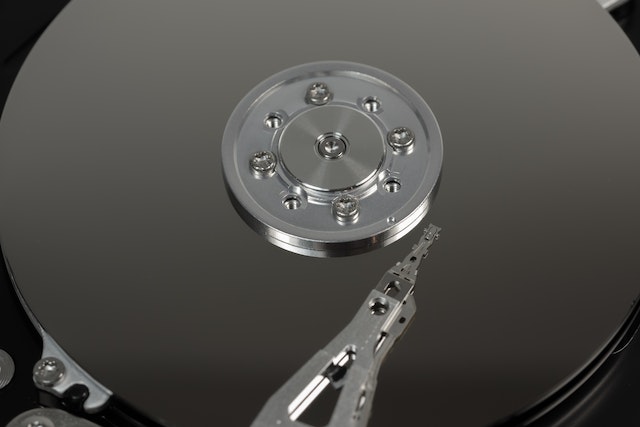
In this article, we will discuss the importance of hard drive rails, their different types, and how to install them properly.
Importance of Hard Drive Rails
Hard drive rails play a crucial role in the functioning of a computer system. They allow for the easy installation and removal of hard drives without requiring the use of tools. Additionally, they provide a secure and stable mounting solution for hard drives, preventing them from moving or vibrating during operation.
Hard drives that are not securely mounted can cause various problems, such as data corruption, mechanical damage, and system crashes. Therefore, using hard drive rails is essential to ensure that the hard drives remain stable and protected.
Types of Hard Drive Rails
There are several different types of hard drive rails available on the market, each with its own unique features and benefits. Some of the most common types of hard drive rails include:
- Fixed Rails: Fixed rails are the most common type of hard drive rails and are typically used in desktop computer systems. These rails are permanently attached to the hard drive and slide into the drive bay, where they are secured with screws.
- Tool-Less Rails: Tool-less rails are designed to allow for easy installation and removal of hard drives without requiring the use of any tools. These rails typically feature a lever or latch mechanism that allows the hard drive to be quickly inserted or removed from the drive bay.
- Hot-Swap Rails: Hot-swap rails are designed to allow for easy and quick replacement of hard drives while the system is still running. These rails typically feature a locking mechanism that allows the hard drive to be easily removed and replaced without powering down the system.
- Convertible Rails: Convertible rails are designed to be used with both 3.5-inch and 2.5-inch hard drives. These rails typically feature a removable bracket that can be adjusted to fit either size of hard drive.
Installing Hard Drive Rails
Installing hard drive rails is a simple process that can be completed in just a few steps. Here is a step-by-step guide to installing hard drive rails in your computer system:
- Determine the type of hard drive rail that you need for your hard drive. This will depend on the size and type of hard drive that you are using.
- Remove the side panel of your computer case to access the drive bays.
- Locate an empty drive bay and remove any existing rails or brackets that may be present.
- Attach the hard drive to the rails or brackets, following the manufacturer’s instructions.
- Slide the hard drive and rails or brackets into the drive bay until they click into place.
- Secure the rails or brackets to the drive bay using screws or the latch mechanism, depending on the type of rails that you are using.
- Repeat the process for any additional hard drives that you need to install.
Conclusion
Hard drive rails are a crucial component of a computer system that is used to mount and connect hard disk drives (HDDs) and solid-state drives (SSDs) to the motherboard. They provide a secure and stable mounting solution for hard drives, preventing them from moving or vibrating during operation. There are several different types of hard drive rails available, each with its own unique features and benefits. Installing hard drive rails is a simple process that can be completed in just a few steps, following the manufacturer’s instructions.