There could be several reasons why an HDMI port on a TV is not working. Below are some troubleshooting steps to help diagnose and potentially fix the issue.
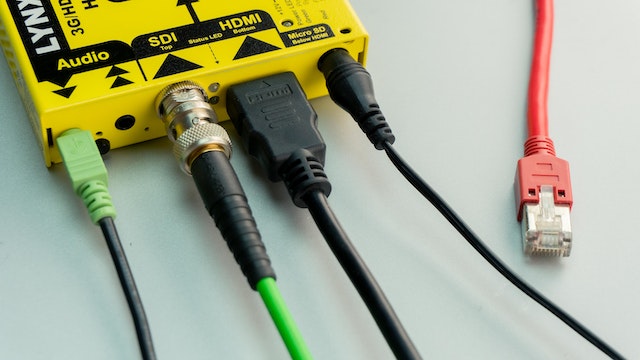
- Check the connections: Ensure that the HDMI cable is securely plugged into both the TV and the device that is sending the signal. Try unplugging and re-plugging the cable to make sure it is properly seated.
- Check the device: If the HDMI port on the TV is not working, try connecting a different device to the same port. If the second device works, then the problem might be with the original device. If the second device also does not work, then the issue is likely with the HDMI port on the TV.
- Check for physical damage: Inspect the HDMI port on the TV for any physical damage or debris that might be obstructing the connection. If the port is damaged, it may need to be replaced by a professional.
- Try a different HDMI cable: If possible, try a different HDMI cable to see if the issue is with the cable itself. Some HDMI cables can become damaged over time and might need to be replaced.
- Update the TV firmware: Check if there is a firmware update available for the TV. Some TV manufacturers release firmware updates to address known issues, including HDMI connectivity problems.
- Reset the TV: Try resetting the TV to its default settings. This can sometimes resolve issues with HDMI connectivity.
- Try a different HDMI port: If the TV has multiple HDMI ports, try using a different port to see if the issue is with a specific port or with the TV as a whole.
- Contact the manufacturer: If none of the above steps work, it may be necessary to contact the manufacturer for assistance. They may be able to diagnose the problem and offer a solution.
In conclusion, there are several possible reasons why an HDMI port on a TV might not be working. By following the above troubleshooting steps, you can determine the cause of the issue and potentially fix it. If all else fails, contacting the manufacturer for assistance may be necessary.
HDMI port not working on TV