The HDMI port is a digital interface used to transfer high-quality video and audio signals between different devices. Graphics cards are important components responsible for generating images and video output, and they usually come with one or more HDMI ports to connect to external displays such as monitors or TVs.
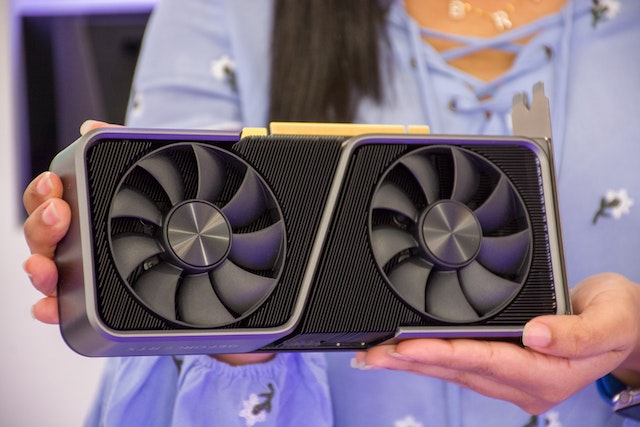
Users may face difficulties when the HDMI port on their graphics card is not working. This issue can be frustrating as it can prevent them from experiencing high-quality video output on their external displays. In this article, we will explore possible reasons and solutions for this problem.
Driver issues can cause the HDMI port on a graphics card to malfunction. Graphics cards require specific drivers to function properly, and outdated or corrupted drivers can affect the HDMI port’s performance. Users can try updating their graphics card drivers by visiting the manufacturer’s website or using a driver update tool to download the latest version.
Cable issues can also contribute to the HDMI port malfunction. Over time, HDMI cables can become damaged or faulty, resulting in issues with the transmission of video and audio signals. Users can try replacing their HDMI cable with a new one to see if it resolves the issue. They should also ensure that the cable is firmly plugged into both the graphics card and the external display.
Sometimes, the issue may not be with the graphics card, but rather with the external display. If the display is not configured correctly, it may not be able to receive signals from the graphics card via the HDMI port. Users can check the display settings on their computer to ensure that the correct display is selected, and the resolution and refresh rate are set correctly.
Hardware issues can also be responsible for the HDMI port malfunction. This could be due to a faulty graphics card or a problem with the HDMI port itself. Users can test the graphics card on another computer to see if it works. If it does, then the issue may be with the computer, and professional assistance may be necessary. On the other hand, if the graphics card does not work on another computer, it may need to be replaced.
BIOS settings can also cause the HDMI port on a graphics card to malfunction. BIOS is a firmware interface responsible for initializing hardware during the boot-up process. Users can try accessing the BIOS settings on their computer and check if the HDMI port is enabled. They may also need to update their BIOS firmware to the latest version to ensure that the graphics card is recognized correctly.
In conclusion, there are several reasons why the HDMI port on a graphics card may not be working. Users can try updating their graphics card drivers, checking their HDMI cable and display settings, testing the graphics card on another computer, and checking their BIOS settings. If none of these solutions work, professional assistance may be necessary to diagnose and fix the problem.