If you are experiencing issues with your HDMI port, such as a lack of signal, distorted image, or no audio, resetting the HDMI port might help solve the problem. Here are some steps to reset your HDMI port:
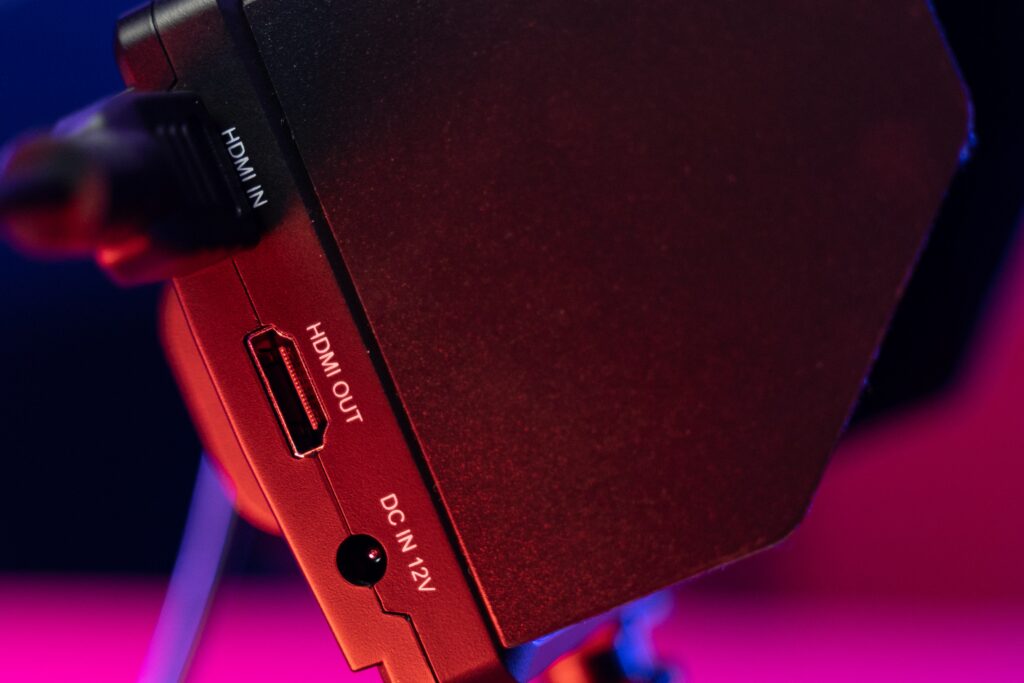
- Turn off all devices: Before you start resetting your HDMI port, turn off your TV, your HDMI device, and any other devices that may be connected to the HDMI port.
- Unplug all HDMI cables: Unplug all HDMI cables from your TV and HDMI device. Make sure that there is no power going to any of the devices.
- Wait for a few minutes: Wait for a few minutes before plugging the HDMI cables back in. This will allow the devices to reset.
- Plug in HDMI cables: Plug in the HDMI cables to the appropriate ports on your TV and HDMI device. Make sure that the cables are securely plugged in.
- Turn on devices: Turn on your TV and HDMI device. Wait for a few seconds to see if the devices recognize each other.
- Check the settings: Check the settings on both devices to ensure that they are set up to work with each other. Make sure that the HDMI input is selected on your TV and that the device is set to output video through the HDMI port.
- Try a different port: If the HDMI port is still not working, try using a different HDMI port on your TV or HDMI device. This will help determine if the problem is with the HDMI port or the device.
- Try a different cable: If the HDMI port is still not working, try using a different HDMI cable. This will help determine if the problem is with the cable or the device.
- Contact support: If none of the above steps work, you may need to contact the manufacturer’s support team for further assistance. They may be able to provide additional troubleshooting steps or determine if the device needs to be repaired or replaced.
It is important to note that resetting your HDMI port is not a guaranteed fix for all HDMI issues. If the problem persists, it may be a hardware issue or a problem with the device itself. In some cases, a factory reset of the device may be necessary to fully reset the HDMI port.
How do I reset my HDMI Port?