PBS (Public Broadcasting Service) offers a wide range of educational and entertaining programs, including news, documentaries, dramas, and children’s shows. If you have a Smart TV, you can easily stream PBS content using a variety of methods. In this article, we’ll discuss some of the most popular ways to stream PBS on your Smart TV.
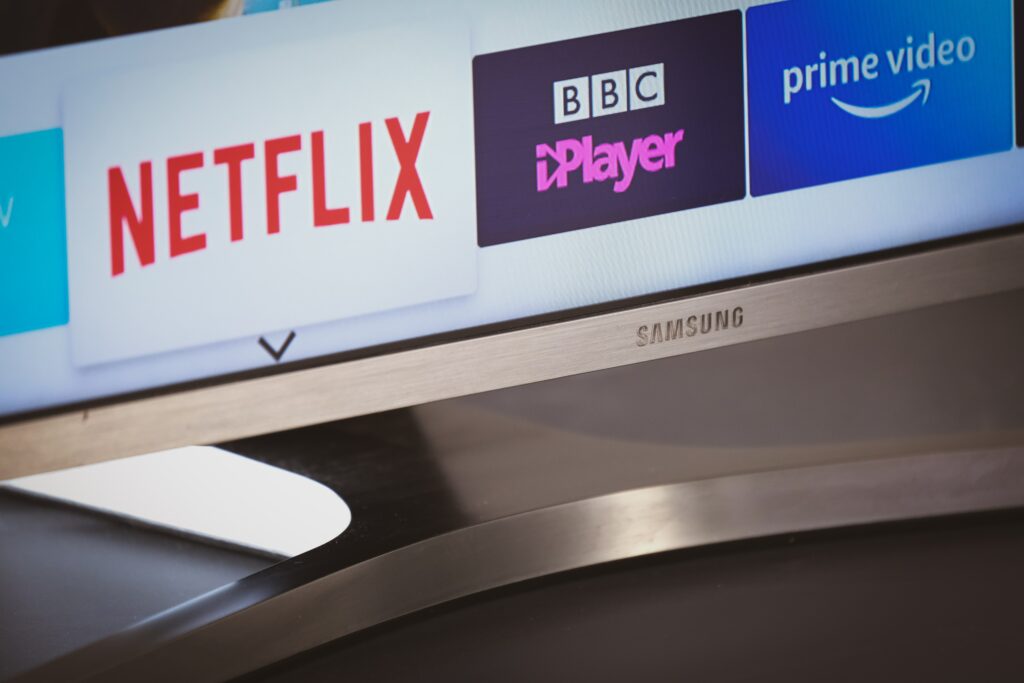
- PBS App
The easiest and most straightforward way to stream PBS on your Smart TV is by downloading the PBS app. The app is available for free on most Smart TV platforms, including Samsung, LG, Sony, and Roku. To download the app, follow these steps:
- On your Smart TV, navigate to the app store.
- Search for “PBS” in the search bar.
- Select the PBS app from the search results.
- Click “Install” or “Download” to start the installation process.
Once the app is installed, open it and sign in with your PBS account. If you don’t have a PBS account, you can create one for free on the PBS website. With the PBS app, you can stream all of the latest episodes from your favorite PBS shows, as well as access an extensive library of on-demand content.
- PBS Website
If you don’t have a Smart TV or prefer to stream PBS content on your computer or mobile device, you can do so by visiting the PBS website. The website offers a wide range of streaming options, including live TV, on-demand content, and access to local PBS stations. To access PBS content on your Smart TV via the website, follow these steps:
- Open your Smart TV’s web browser.
- Navigate to the PBS website (www.pbs.org).
- Click on “Shows” or “Videos” to browse the available content.
- Select the program you want to watch and click “Play.”
Keep in mind that streaming PBS content via the website can be more challenging than using the app, as you may experience buffering or playback issues due to slow internet speeds or an outdated browser.
- Streaming Services
Another way to stream PBS content on your Smart TV is by using a streaming service that offers access to PBS programming. Two popular services that offer PBS content are Hulu and Amazon Prime Video. Both services require a subscription fee, but they offer a wide range of content, including on-demand access to PBS shows and live TV streaming of your local PBS station.
To access PBS content on Hulu or Amazon Prime Video, you’ll need to follow these steps:
- Sign up for a subscription to Hulu or Amazon Prime Video.
- Search for PBS content within the app.
- Select the program you want to watch and click “Play.”
Keep in mind that while streaming services offer access to PBS content, they may not have every episode of every show available. Additionally, you’ll need a strong internet connection to stream content on these platforms without interruption.
- Chromecast
If you have a Chromecast device, you can use it to stream PBS content from your phone, tablet, or computer to your Smart TV. To stream PBS content via Chromecast, follow these steps:
- Make sure your Chromecast device is set up and connected to your Smart TV.
- Download the PBS app or navigate to the PBS website on your phone, tablet, or computer.
- Select the program you want to watch and click “Play.”
- Click on the Chromecast icon in the top-right corner of your screen.
- Select your Chromecast device from the list of available devices.
Once you’ve connected your device to Chromecast, the PBS content will appear on your Smart TV.
- AirPlay
If you have an Apple TV or an iPhone/iPad with AirPlay capabilities, you can use AirPlay to stream PBS content to your Smart TV. To stream PBS content via AirPlay, follow these steps: