Visa gift cards are a great way to make online purchases conveniently and with flexibility. The process of using these cards for online transactions involves a few necessary steps.
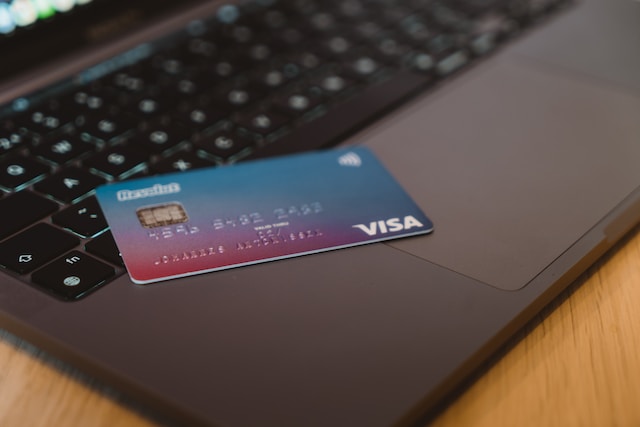
Firstly, it is important to register the gift card by providing the card information, such as the card number and security code, on the website listed on the back of the card. This step helps protect the card from any unauthorized usage, and it enables the owner to monitor the transaction history and balance online.
Secondly, it is essential to check the balance of the gift card before making any purchases online. The balance can be checked by logging into the gift card website account or by calling the phone number listed on the back of the card.
Thirdly, one can start looking for merchants that accept Visa gift cards for online transactions, and add the card to their account on the merchant’s website. This process usually involves going to the payment section of the website and entering the card information.
Lastly, select the gift card as the payment method and enter the amount to be spent to complete the transaction.
Some tips to keep in mind when using Visa gift cards online are to keep track of the balance, use the card promptly to avoid expiration, keep the card information secure to prevent unauthorized use, and be aware of any fees associated with the card.
In conclusion, using a Visa gift card for online purchases is a straightforward process that can be done by following these steps and keeping the card information secure.