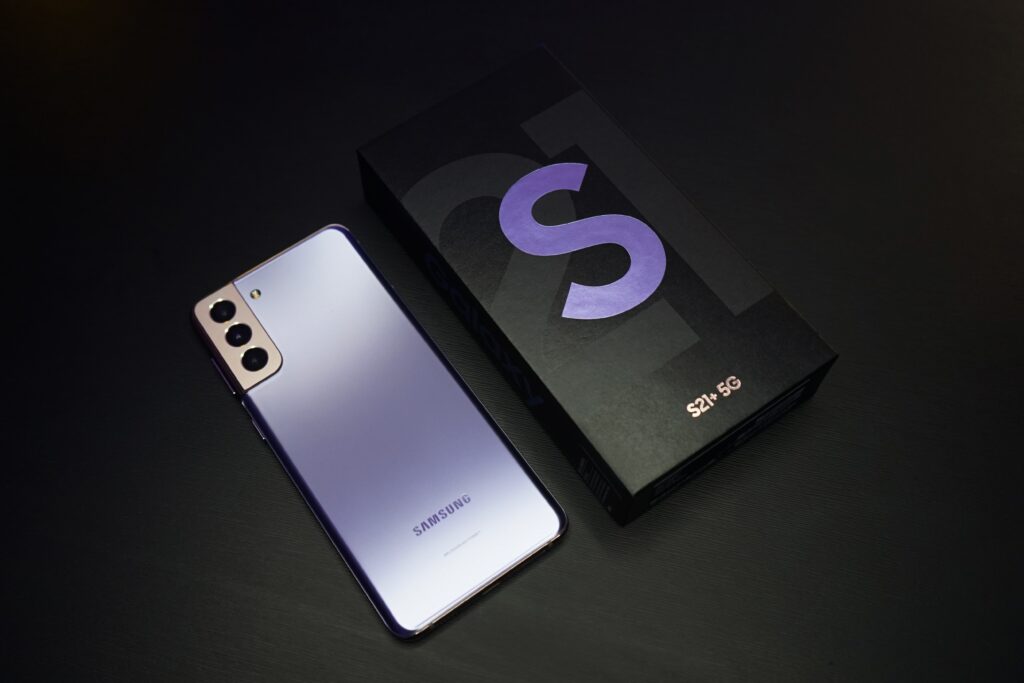
Video calling is a great way to stay in touch with friends and family, especially when you can’t meet in person. If you have a Samsung S21, you can easily video call using various apps available. In this guide, we will discuss how to video call on Samsung S21 using various apps like Google Duo, Zoom, Skype, and Whatsapp.
Video Call using Google Duo:
Google Duo is a popular video calling app that comes pre-installed on Samsung S21. Here’s how to use it for video calling:
- Open the Google Duo app on your Samsung S21.
- You will see a list of your contacts who have also installed Duo.
- Tap on the contact you want to video call with.
- Tap on the “Video Call” button at the bottom of the screen.
- Wait for the other person to answer the call.
- Once they answer, you can start your video call.
Google Duo is a great option for video calling because it’s easy to use, and it’s already installed on your phone.
Video Call using Zoom:
Zoom is a popular video conferencing app used by businesses and individuals for remote meetings and video calling. Here’s how to use Zoom for video calling on your Samsung S21:
- Download the Zoom app from the Google Play Store.
- Open the Zoom app and sign in with your account details.
- Tap on the “New Meeting” button at the bottom of the screen.
- Tap on the “Start with video” button.
- Wait for the other person to join the meeting.
- Once they join, you can start your video call.
Zoom is an excellent option for video calling because it’s available on many platforms, and you can create a meeting link to share with anyone you want to video call.
Video Call using Skype:
Skype is a popular video calling app that has been around for years. Here’s how to use Skype for video calling on your Samsung S21:
- Download the Skype app from the Google Play Store.
- Open the Skype app and sign in with your account details.
- Tap on the “Contacts” tab at the bottom of the screen.
- Find the contact you want to video call with and tap on their name.
- Tap on the video call button at the top of the screen.
- Wait for the other person to answer the call.
- Once they answer, you can start your video call.
Skype is a great option for video calling because it’s been around for a long time and is available on many platforms.
Video Call using WhatsApp:
WhatsApp is a popular messaging app that also offers video calling. Here’s how to use WhatsApp for video calling on your Samsung S21:
- Download the WhatsApp app from the Google Play Store.
- Open the WhatsApp app and sign in with your account details.
- Tap on the contact you want to video call with.
- Tap on the video call button at the top of the screen.
- Wait for the other person to answer the call.
- Once they answer, you can start your video call.
WhatsApp is an excellent option for video calling because it’s a popular messaging app that many people already use.
Conclusion:
Video calling is a great way to stay in touch with friends and family, especially when you can’t meet in person. If you have a Samsung S21, there are many apps available that you can use for video calling, including Google Duo, Zoom, Skype, and WhatsApp. All of these apps are easy to use and available on many platforms, making it easy to stay connected with loved ones.