An external hard drive is a device that is portable and allows for the storage of a large amount of data. It can be connected to a computer through different ports such as USB or Thunderbolt. The external hard drive can be utilized to back up files, transfer data between devices, and store files such as videos, music, and high-resolution images.
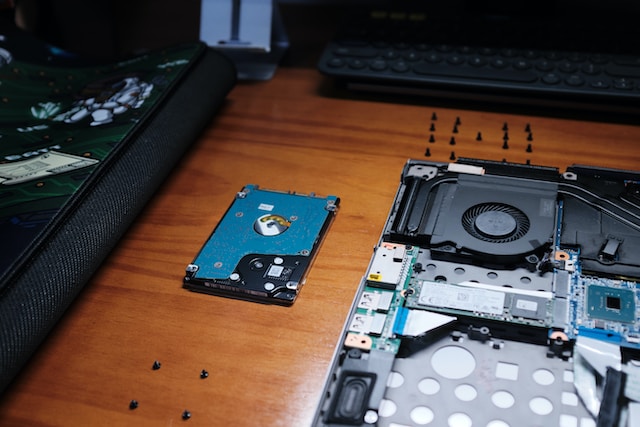
To access the files on an external hard drive, it is necessary to connect it to your computer and then access it via the file explorer or Finder, depending on your operating system. This article will guide you through the process of viewing files on an external hard drive.
The first step is to connect the external hard drive to your computer using the appropriate port. Ensure that the external hard drive is properly connected to the computer and turned on. Most external hard drives are powered via the USB port, although some may require an external power source.
The second step involves opening the file explorer or Finder. The file explorer is a feature in Windows, whereas Finder is a feature in Mac OS. To open the file explorer, press the Windows key and E key simultaneously. To access Finder, click on the Finder icon on the dock or press Command + Spacebar to launch Spotlight and search for Finder.
The third step involves locating the external hard drive in File Explorer or Finder. After opening File Explorer or Finder, you should see a list of drives, including the external hard drive. Look for the external hard drive in the list of drives, which should be labeled with the name of the manufacturer or the name you gave it when you formatted it. Click on the external hard drive to select it.
The fourth step entails viewing the files on the external hard drive. Once you have selected the external hard drive, you can view the files and folders on it. Click on a folder to open it and view the files inside. If you have trouble finding a file or folder, you can use the search function in the file explorer or Finder to locate it quickly.
The final step involves ejecting the external hard drive before disconnecting it from your computer. This is important to prevent any data loss or corruption that may occur if you disconnect it while files are still open. To eject the external hard drive, right-click on it in File Explorer or Finder and select “Eject” or “Safely Remove Hardware.”
In conclusion, viewing files on an external hard drive is a straightforward process. It involves connecting the external hard drive to your computer, opening the file explorer or Finder, locating the external hard drive in the list of drives, and viewing the files on it. It is vital to eject the external hard drive before disconnecting it from your computer to avoid data loss or corruption. By following these simple steps, you can easily view and access the files on your external hard drive without any hassle.