Watching the Super Bowl on a smart TV is easy and convenient. Here are some ways to watch the Super Bowl on a smart TV:
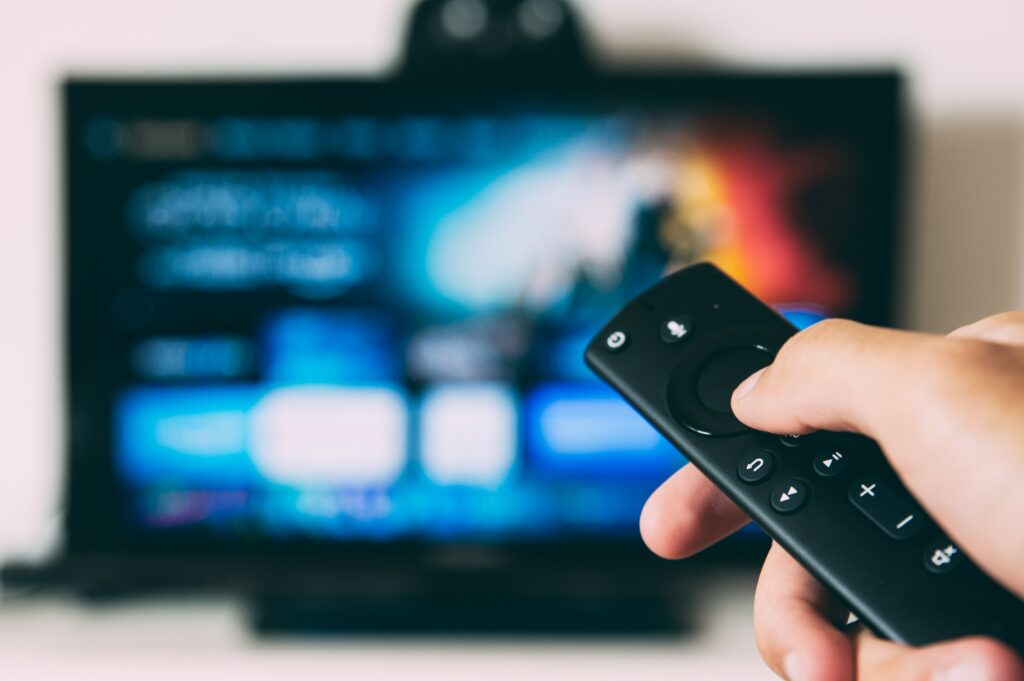
- Use a streaming service: Several streaming services like CBS All Access, Hulu with Live TV, YouTube TV, FuboTV, and Sling TV offer live streaming of the Super Bowl on smart TVs. You can choose the streaming service that best suits your needs and stream the Super Bowl on your smart TV. Most streaming services offer a free trial, so you can sign up for the trial period and watch the Super Bowl without paying a fee.
- Use an antenna: If you don’t have a cable or satellite subscription, you can use an antenna to watch the Super Bowl on your smart TV. Most modern smart TVs have built-in tuners that can pick up over-the-air broadcasts. Connect an antenna to your TV and scan for channels to find the CBS channel, which will be broadcasting the Super Bowl. This method allows you to watch the Super Bowl in high definition without paying for a subscription.
- Use the CBS Sports app: If you have a smart TV that supports the CBS Sports app, you can watch the Super Bowl through the app. The CBS Sports app is available on most smart TV platforms like Apple TV, Roku, Amazon Fire TV, and Android TV. Download the app on your smart TV and sign in with your CBS All Access account to watch the Super Bowl.
- Use the NFL app: If you have a smart TV that supports the NFL app, you can watch the Super Bowl through the app. The NFL app is available on most smart TV platforms like Apple TV, Roku, Amazon Fire TV, and Android TV. Download the app on your smart TV and sign in with your cable or satellite subscription to watch the Super Bowl.
- Use a gaming console: If you have a gaming console like Xbox or PlayStation, you can watch the Super Bowl through the CBS All Access app. Download the app on your gaming console and sign in with your CBS All Access account to watch the Super Bowl.
- Connect your laptop or mobile device: If your smart TV has a HDMI port, you can connect your laptop or mobile device to watch the Super Bowl. Connect your device to the HDMI port on your smart TV and use your device to stream the Super Bowl through a streaming service or the CBS Sports app.
In conclusion, there are several ways to watch the Super Bowl on a smart TV. Whether you prefer to use a streaming service, an antenna, an app, a gaming console, or connect your laptop or mobile device, you can enjoy the game from the comfort of your living room.
How to Watch Super Bowl on Smart TV?