Dropping an external hard drive can have serious consequences, potentially leading to data loss, hardware damage, or both. In this answer, we will explore the potential impact of dropping an external hard drive and what steps you can take to mitigate the damage.
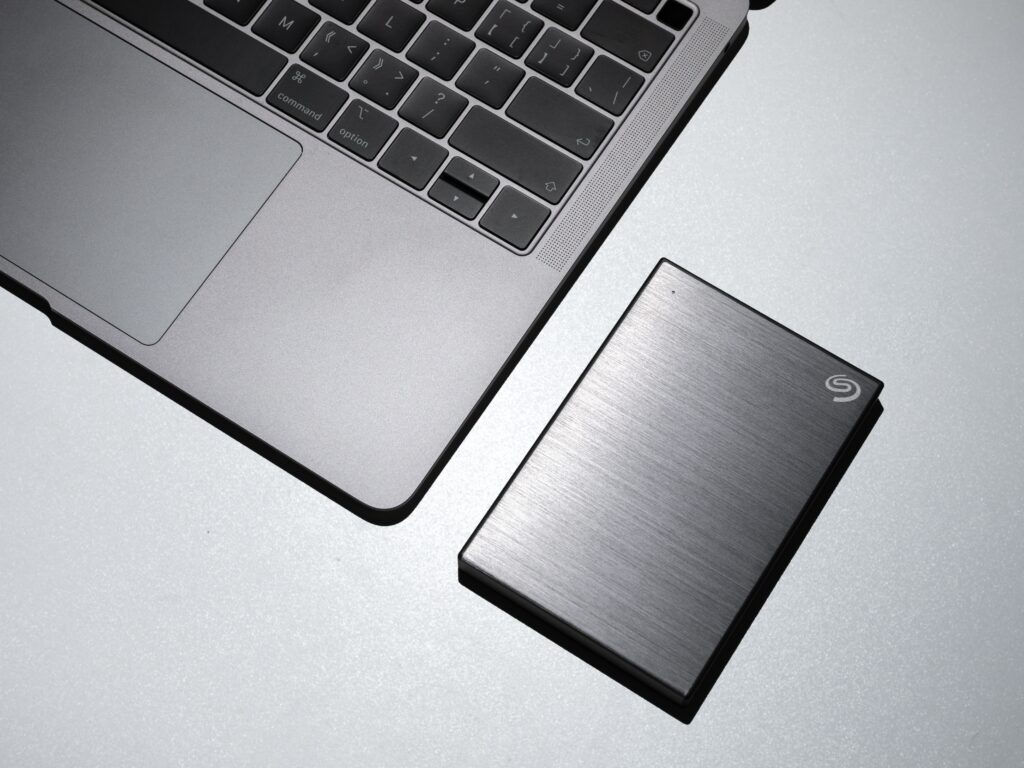
Firstly, it’s important to understand how an external hard drive works. An external hard drive is essentially a storage device that’s designed to be portable and used with multiple computers. These drives typically use spinning disks or solid-state memory to store your data, and they’re enclosed in a protective casing that helps to keep them safe from damage.
When you drop an external hard drive, there are several potential problems that can occur. The most obvious issue is physical damage to the drive itself. This could include scratches or dents on the casing, as well as damage to the internal components of the drive.
If the damage is severe enough, the drive may no longer function properly, and you may not be able to access your data. In some cases, you may hear strange noises coming from the drive, indicating that the internal components are damaged.
Another potential problem is data loss. When you drop an external hard drive, the impact can cause the disk heads to crash into the spinning disks. This can cause physical damage to the disks and may result in the loss of data.
In addition to physical damage and data loss, dropping an external hard drive can also cause software problems. For example, if the drive was in use when it was dropped, it may have been in the process of writing or reading data. This can cause corruption of the data on the drive, potentially rendering it unreadable.
So, what should you do if you’ve dropped your external hard drive? The first step is to assess the damage. If the drive appears to be physically damaged, you should not attempt to use it, as this could cause further damage. Instead, you should take it to a professional data recovery service.
If the drive appears to be undamaged, you can try connecting it to your computer to see if it’s still functioning. If the drive is not recognized by your computer, or if you hear strange noises coming from the drive, you should stop using it immediately and seek professional assistance.
Assuming the drive appears to be functioning normally, you should still take steps to minimize the risk of data loss. This includes backing up any important data on the drive to another location as soon as possible. You should also run a disk check utility to ensure that there are no software problems with the drive.
In conclusion, dropping an external hard drive can have serious consequences, potentially leading to data loss, hardware damage, or both. If you’ve dropped your external hard drive, it’s important to assess the damage and take appropriate action to minimize the risk of further damage or data loss. If in doubt, it’s always best to seek professional assistance from a data recovery service.