An internal hard drive is crucial for storing important data on a computer system. However, sometimes the hard drive may not show files even if they still exist, causing inconvenience and potential data loss. In this article, we will explore the possible reasons for this issue and suggest solutions.
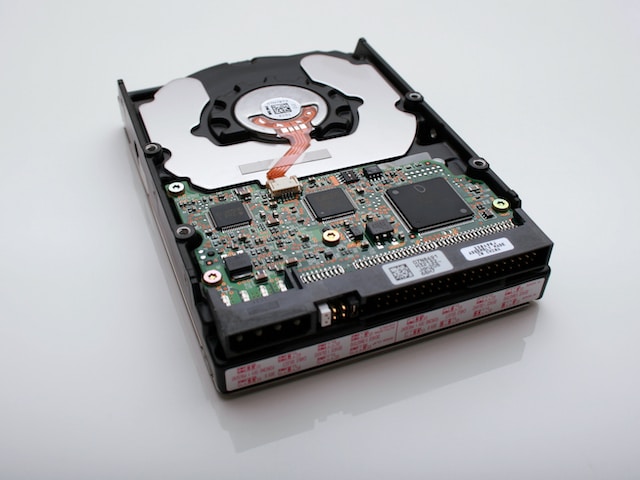
One reason for files not showing on the internal hard drive is due to a virus or malware attack. These malicious programs can corrupt or damage the hard drive, making it impossible to access files. They may also hide files to make it look like they have been deleted. To address this, running an updated antivirus program to scan for and remove any viruses or malware is recommended.
Another potential reason for files not showing is file system errors. The file system manages files on the hard drive, and if there is an error, files may become inaccessible or hidden. Running the CHKDSK utility tool can detect and repair errors in the file system.
Faulty connections can also cause files to not show on the hard drive. Loose cables or improper connection can cause the computer to not detect the hard drive or show only some files. Checking connections and ensuring they are secure can help solve this issue.
Partition problems can also cause files to become hidden or inaccessible. Using a partition manager tool to check and repair any errors can solve this problem.
Lastly, hardware failure can cause the hard drive to not show any files or data. Physical damage or mechanical failure from overheating or wear and tear are possible causes. In this case, it may be necessary to replace the hard drive. Before doing so, using data recovery tools to attempt to recover important files is recommended.
In conclusion, not being able to view files on an internal hard drive is an inconvenience that can be caused by various reasons. Identifying the cause and taking the necessary steps to address the problem can prevent data loss and related issues.