LG TVs typically have several HDMI inputs that allow you to connect multiple devices, such as gaming consoles, Blu-ray players, cable boxes, and streaming devices. Here are some things you need to know about LG TV HDMI inputs:
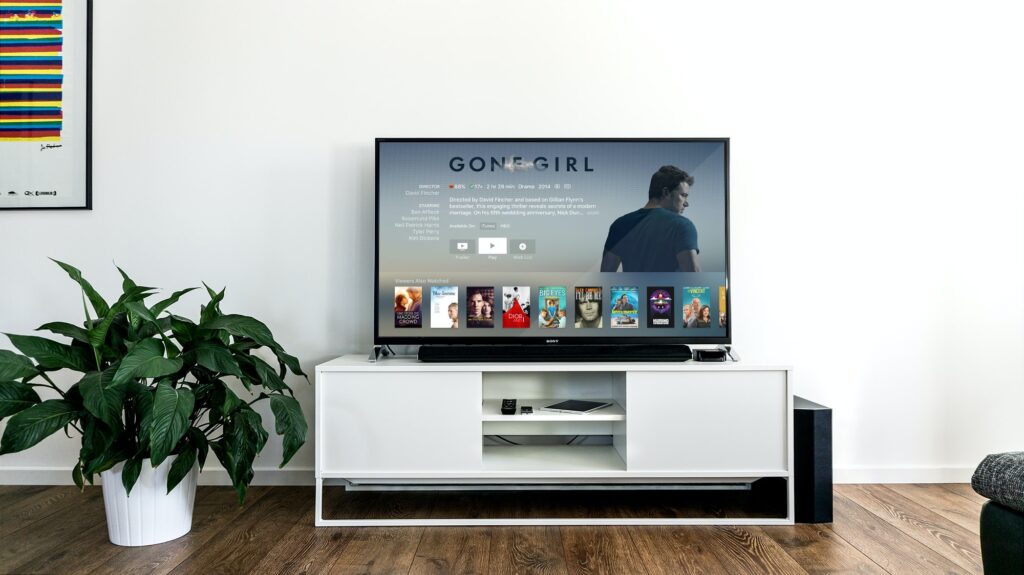
- Number of HDMI inputs: LG TVs usually have at least two HDMI inputs, with some models having up to four or more inputs. The number of HDMI inputs can vary depending on the model and size of the TV.
- HDMI versions: LG TVs usually support HDMI 1.4 or higher, which means they can handle 4K content at 30Hz or 1080p content at 60Hz. Some newer LG TVs support HDMI 2.0, which can handle 4K content at 60Hz.
- HDMI ARC: Some LG TVs have an HDMI ARC (Audio Return Channel) input, which allows you to connect a soundbar or home theater system to the TV using a single HDMI cable. This feature eliminates the need for an additional audio cable.
- HDMI CEC: Some LG TVs also support HDMI CEC (Consumer Electronics Control), which allows you to control multiple devices connected to the TV using a single remote. With HDMI CEC, you can turn on/off your TV and other devices, change inputs, and adjust the volume using your TV remote.
- HDMI labels: To avoid confusion when connecting multiple devices to your TV, it’s a good idea to label each HDMI input. LG TVs usually allow you to label each input with a custom name, such as “Blu-ray player” or “Gaming console.” This makes it easier to switch between inputs and find the device you want to use.
- HDMI settings: LG TVs usually have several HDMI settings that allow you to customize the picture and sound for each input. For example, you can adjust the picture mode, color temperature, and contrast for each input. You can also adjust the sound mode, balance, and equalizer for each input.
- HDMI troubleshooting: If you are experiencing issues with your LG TV HDMI inputs, such as no signal or poor picture quality, there are several troubleshooting steps you can take. These include checking the HDMI cable, making sure the device is set to output to the correct resolution and format, checking the TV input settings, and updating the TV firmware.
- HDMI adapters: If you need to connect a device that doesn’t have an HDMI output, such as an older gaming console or laptop, you can use an HDMI adapter. LG TVs usually support HDMI adapters that convert VGA, DVI, or DisplayPort to HDMI.
In conclusion, LG TVs typically have several HDMI inputs that allow you to connect multiple devices. These inputs can vary in number and version depending on the TV model and size. LG TVs also support features such as HDMI ARC and HDMI CEC, which make it easier to connect and control multiple devices. To avoid confusion, it’s a good idea to label each HDMI input and customize the settings for each input. If you are experiencing issues with your LG TV HDMI inputs, there are several troubleshooting steps you can take, such as checking the HDMI cable and updating it.