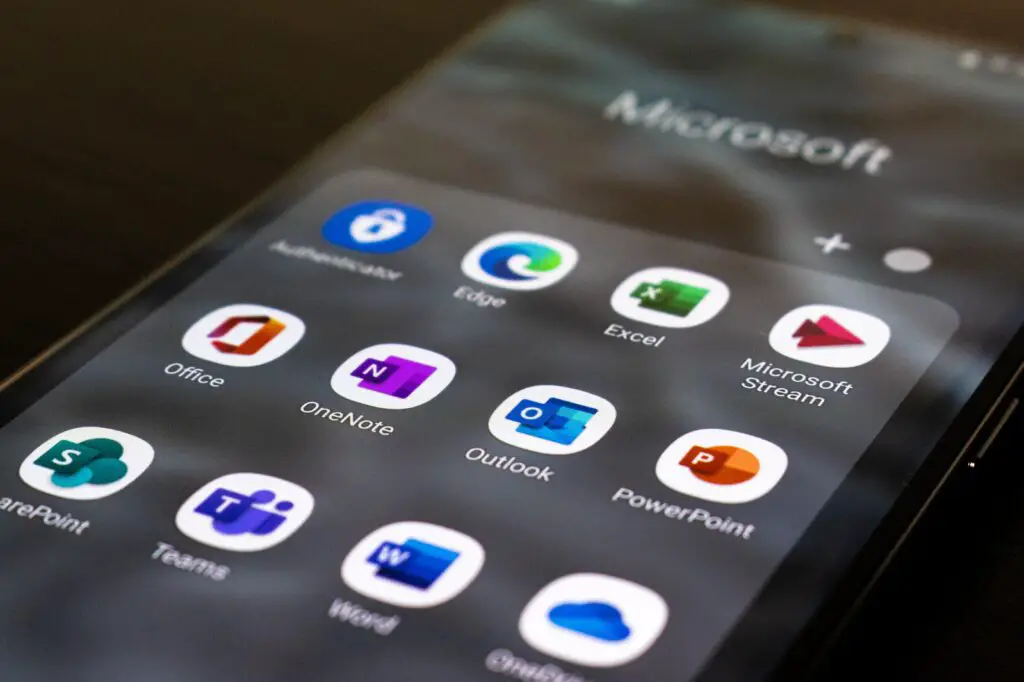
Microsoft has developed and released several video call apps over the years, including Skype and Teams. These apps allow users to communicate with others via video and audio calls, making remote collaboration and communication much easier. In this article, we will discuss Microsoft’s video call apps and their features.
Skype
Skype was first released in 2003 and quickly became one of the most popular video call apps in the world. It was acquired by Microsoft in 2011 and has since been integrated into other Microsoft products, such as Outlook and Teams.
Skype allows users to make voice and video calls to other Skype users for free, as well as make calls to landlines and mobile phones for a fee. Users can also share files, screen share, and use instant messaging within the app. Skype also offers translation services for voice and instant messaging in several languages.
To use Skype, users must create an account and download the app. They can then search for and add other Skype users as contacts and begin making calls. Skype is available on Windows, Mac, iOS, and Android devices.
Teams
Teams is a collaboration app developed by Microsoft that includes video and audio calling capabilities. It was released in 2017 and has since become a popular choice for remote teams to communicate and collaborate.
In addition to video and audio calls, Teams allows users to share files, screen share, and use instant messaging within the app. It also includes integration with other Microsoft apps, such as Outlook and OneDrive, making it easier to collaborate across different platforms.
Teams is available as part of Microsoft 365, which includes other Microsoft apps such as Word and Excel. To use Teams, users must have a Microsoft 365 account and download the app. Teams is available on Windows, Mac, iOS, and Android devices.
Skype for Business
Skype for Business was a version of Skype that was specifically designed for businesses. It included features such as enterprise-level security and the ability to schedule and join meetings from Outlook. Skype for Business has since been replaced by Teams, which offers similar features and more.
Other Microsoft Video Call Apps
In addition to Skype and Teams, Microsoft has developed other video call apps for specific use cases. For example, Microsoft Stream is a video streaming app that allows users to share videos within their organization. Microsoft Yammer is a social networking app that includes video and audio calling capabilities.
Tips for Using Microsoft Video Call Apps
- Make sure you have a strong and stable internet connection to ensure high-quality video and audio calls.
- Test your microphone and camera before the call to make sure they are working properly.
- Use headphones to reduce background noise and improve call quality.
- Make sure you are in a well-lit area to improve video quality.
- Mute your microphone when you are not speaking to reduce background noise.
- Use screen sharing to share presentations or documents during the call.
- Record the call for future reference, if necessary.
- Check your settings before the call to make sure they are configured properly.
Conclusion
Microsoft has developed several video call apps over the years, including Skype and Teams, which are popular choices for remote communication and collaboration. These apps allow users to make voice and video calls, share files, and use instant messaging within the app. Other Microsoft video call apps, such as Stream and Yammer, offer specific features for different use cases. By following the tips mentioned above, users can ensure a smooth and high-quality video call experience.