The Samsung Odyssey G9 is a popular gaming monitor with a 49-inch curved display and a resolution of 5120 x 1440 pixels. Many gamers choose to wall-mount the monitor to create a more ergonomic setup and save desk space. However, the Odyssey G9 is a large and heavy monitor, which makes wall mounting a bit more challenging.
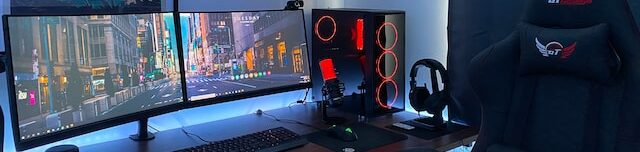
One option for wall mounting is to use the VESA mount that comes with the monitor. This mount is a standard option for most monitors and is compatible with many wall-mounting solutions. To use it, you simply need to remove the monitor stand and attach the VESA mount to the back of the monitor. Then, you can use a compatible wall-mounting bracket to mount the monitor on the wall.
Another option is to use a specialized wall-mounting bracket designed for the Odyssey G9. These brackets are custom-made to fit the monitor’s unique design and weight distribution and are often more secure than using a standard VESA mount. VideoSecu and HumanCentric are two manufacturers that produce these brackets, and they come with all the necessary hardware and instructions.
There are several factors to consider when choosing a wall-mounting solution, such as compatibility, weight, and adjustability. It’s important to make sure the solution you choose can support the weight of the monitor, which is around 16.7 kg. Adjustability is also important to ensure you can find the right height and viewing angle.
Overall, wall-mounting the Samsung Odyssey G9 is a great way to create an immersive gaming experience and improve posture. With the right wall-mounting solution, you can enjoy the benefits of this monitor while freeing up desk space.