Passport protection is a security feature that helps to secure data on an external hard drive. Seagate is one of the leading manufacturers of external hard drives, and their products often come with various security features to protect the data stored on them. In this article, we will discuss how to passport protect your Seagate external hard drive.
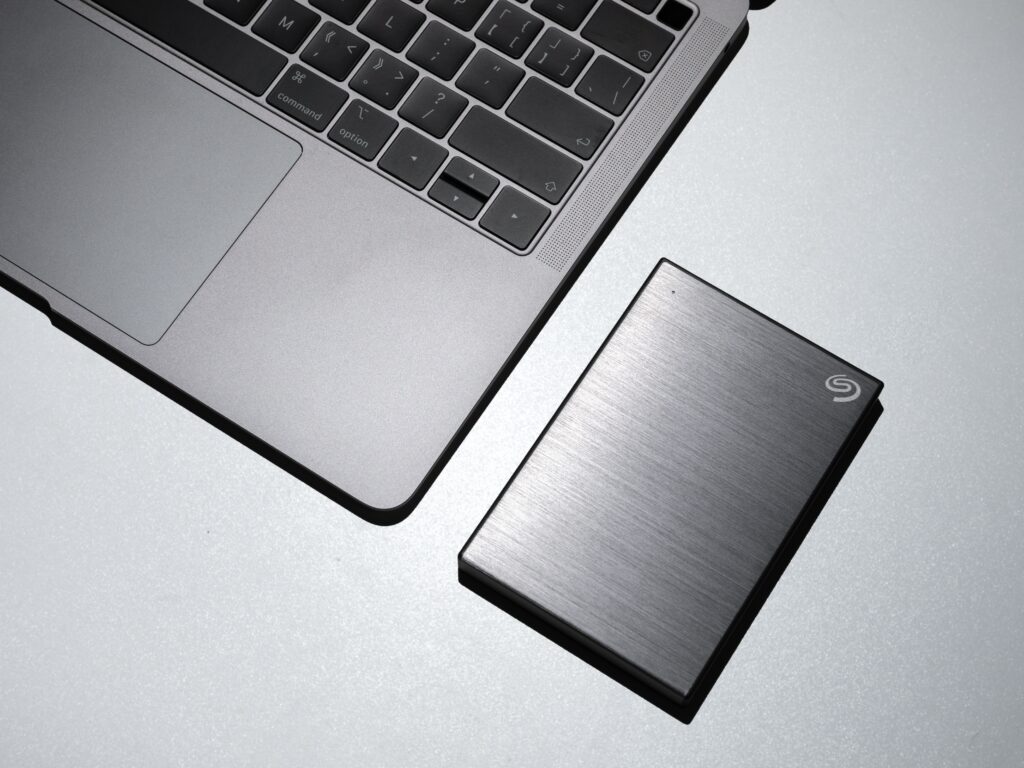
Passport Protection is a feature that allows users to secure their external hard drive with a password. This password protects the data stored on the drive from unauthorized access. Passport Protection is a software-based security feature that is built into many Seagate external hard drives. It is easy to set up and use, and it offers an extra layer of protection to the data stored on the drive.
Setting up Passport Protection on Seagate External Hard Drive
The steps to set up Passport Protection on a Seagate external hard drive are relatively straightforward. Here are the steps to follow:
Step 1: Connect the Seagate external hard drive to your computer
Step 2: Open the Seagate Dashboard software. If you don’t have the Seagate Dashboard software, you can download it from the Seagate website.
Step 3: Click on the “Protect” tab in the Seagate Dashboard
Step 4: Click on the “Set Up Now” button next to the “Password Protection” option
Step 5: Enter a password of your choice in the “Password” and “Confirm Password” fields. Make sure to choose a strong password that is difficult to guess.
Step 6: Click on the “Create Password” button to save your password.
Once you have set up Passport Protection on your Seagate external hard drive, you will need to enter the password every time you want to access the data on the drive. This ensures that only authorized users can access the data stored on the drive.
Using Seagate Secure with Password Protection
Seagate Secure is another security feature that is available on some Seagate external hard drives. Seagate Secure provides hardware-based encryption to protect the data stored on the drive. It works by encrypting the data on the drive using a key that is stored on the drive itself. This key can only be accessed with the correct password.
If your Seagate external hard drive has Seagate Secure, you can use it in conjunction with Passport Protection to provide an even higher level of security. Here are the steps to use Seagate Secure with Passport Protection:
Step 1: Connect the Seagate external hard drive to your computer
Step 2: Open the Seagate Dashboard software
Step 3: Click on the “Protect” tab in the Seagate Dashboard
Step 4: Click on the “Set Up Now” button next to the “Seagate Secure” option
Step 5: Choose the encryption method you want to use. You can choose between hardware encryption, software encryption, or no encryption.
Step 6: Enter a password of your choice in the “Password” and “Confirm Password” fields. Make sure to choose a strong password that is difficult to guess.
Step 7: Click on the “Create Password” button to save your password.
Step 8: Once the encryption process is complete, click on the “Set Up Now” button next to the “Password Protection” option.
Step 9: Enter the password you created in step 6.
Step 10: Click on the “Create Password” button to save your password.
With Seagate Secure and Passport Protection enabled, your Seagate external hard drive is now even more secure. The data stored on the drive is encrypted and can only be accessed with the correct password.