PC case LED strips are a popular way to add some extra flair to your computer build. These strips are typically made up of small LED lights that are attached to a thin, flexible strip that can be easily installed inside your computer case. Here are some things to consider when using PC case LED strips:
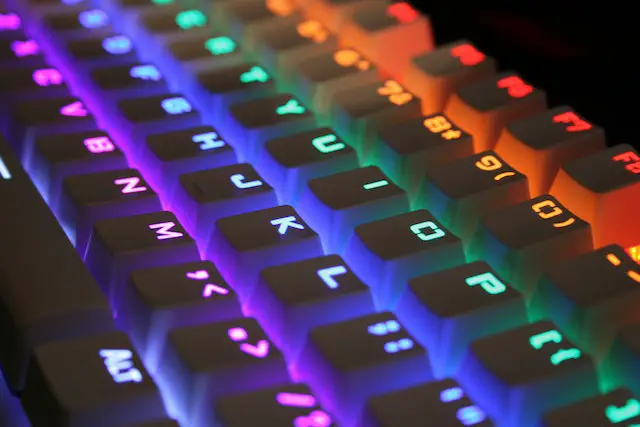
- Design Options: PC case LED strips come in a wide variety of colors and styles. You can choose from pre-made designs, or create your own custom color scheme using RGB (Red, Green, Blue) LEDs that can be programmed to display a wide range of colors. Some LED strips even come with built-in patterns and effects that can be controlled with software.
- Installation: Installing a PC case LED strip is a fairly simple process. Most strips come with an adhesive backing that allows you to stick them to the inside of your case. You can then connect the LED strip to your computer’s power supply using a molex or SATA connector. Some LED strips also come with a remote control or software that allows you to change the colors and patterns of the lights.
- Compatibility: Before purchasing a PC case LED strip, it’s important to ensure that it is compatible with your specific case model. Some cases may have irregular shapes or features that make it difficult to install a strip without cutting or trimming it. It’s also important to consider the length of the LED strip and how many connectors it has, as this will determine how many lights you can install.
- Placement: When installing a PC case LED strip, it’s important to consider the placement of the lights. You want to make sure that the lights are evenly distributed and provide adequate illumination throughout the case. It’s also important to avoid placing the lights near any sensitive components or wiring, as the heat generated by the lights can cause damage.
- Power Consumption: PC case LED strips are relatively low-power devices, but it’s still important to consider their power consumption when planning your build. LED strips can draw anywhere from a few watts to several dozen watts depending on their length and brightness. Make sure your power supply can handle the additional load before adding LED strips to your build.
- Cooling: One potential downside of PC case LED strips is that they can generate heat, which can impact your computer’s cooling performance. If you’re using a high-powered LED strip, make sure to monitor your computer’s temperatures and adjust your cooling solution if necessary.
- Cost: PC case LED strips are typically an affordable option for customizing your PC. Prices can vary depending on the length and brightness of the strip, as well as any additional features like software control. However, even high-quality LED strips are generally less expensive than other components like graphics cards or CPUs, making them a cost-effective way to add some extra flair to your build.
Overall, PC case LED strips are a fun and easy way to add some extra visual interest to your computer build. With a wide range of color options, easy installation, and affordable pricing, they are a popular choice for gamers, enthusiasts, and anyone looking to personalize their PC. Whether you’re looking for a subtle glow or a bold and colorful display, there is an LED strip out there to fit your style and preferences.
PC Case Led Strip