PC case risers, also known as motherboard standoffs, are small metal or plastic spacers that keep the motherboard elevated above the PC case. They are an essential component of any computer build, as they provide several benefits to the system’s overall performance and longevity.
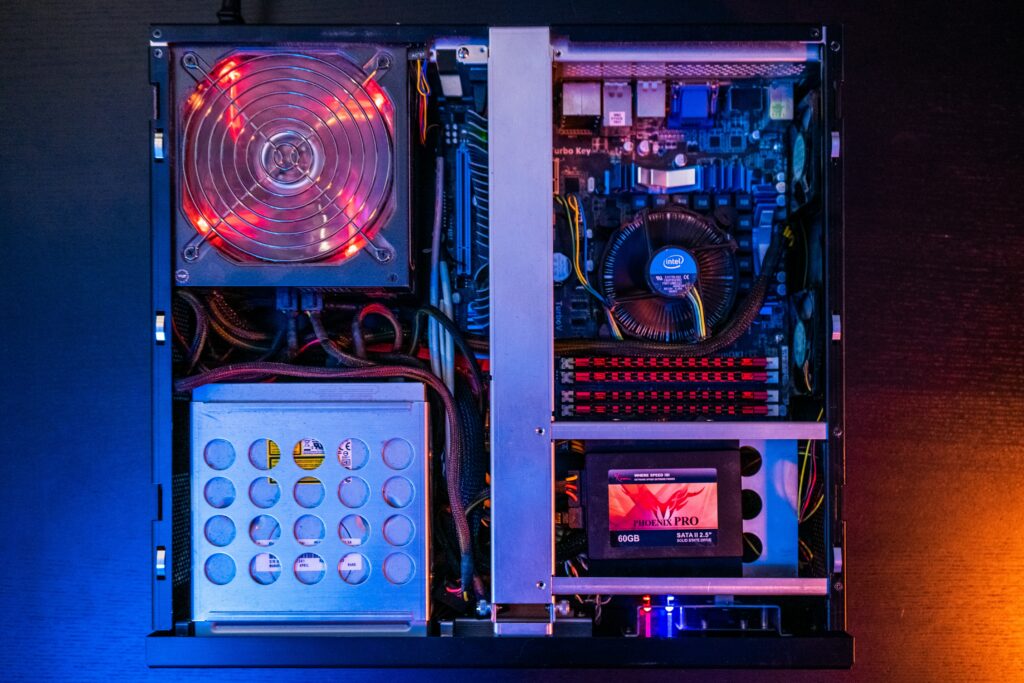
Firstly, PC case risers help prevent electrical shorts between the motherboard and the PC case. Without risers, the metal contacts on the back of the motherboard can come into direct contact with the metal surface of the PC case, which can cause a short circuit and damage the components.
Secondly, PC case risers allow for better airflow and cooling within the PC case. By elevating the motherboard, the risers create a small gap between the motherboard and the PC case, which allows air to flow more freely around the components. This improved airflow can help prevent overheating and improve the overall performance of the system.
There are two main types of PC case risers: metal and plastic. Metal risers are more durable and provide better support for heavier motherboards. However, they can also conduct electricity, so it’s important to use non-conductive washers to prevent any potential electrical shorts. Plastic risers are lighter and less conductive, but they may not provide as much support as metal risers.
When installing PC case risers, it’s important to use the correct number and placement of risers for your specific motherboard. Most motherboards have several mounting holes, and it’s crucial to match each hole with a corresponding riser. Using too few or too many risers, or installing them in the wrong location, can cause damage to the motherboard or the components.
To install PC case risers, follow these steps:
- Locate the mounting holes on the motherboard and the corresponding holes on the PC case.
- Determine the correct number of risers needed for your specific motherboard. Most motherboards require six to nine risers.
- Screw the risers into the corresponding holes on the PC case, using a non-conductive washer if necessary.
- Place the motherboard onto the risers, aligning the mounting holes with the risers.
- Carefully screw the motherboard onto the risers, making sure not to overtighten the screws.
- Double-check the placement of the risers and screws to ensure that they are secure and properly aligned.
In summary, PC case risers are a crucial component of any computer build, as they provide important benefits to the system’s overall performance and longevity. By preventing electrical shorts and improving airflow and cooling, PC case risers can help ensure that your computer runs smoothly and efficiently for years to come.