Playing video games off an external hard drive is a common practice among gamers who need extra storage or prefer to carry their games on the go. However, there are several important considerations to keep in mind before attempting to do so. These include the speed of the external hard drive, its connectivity, and the system requirements of the games you want to play.
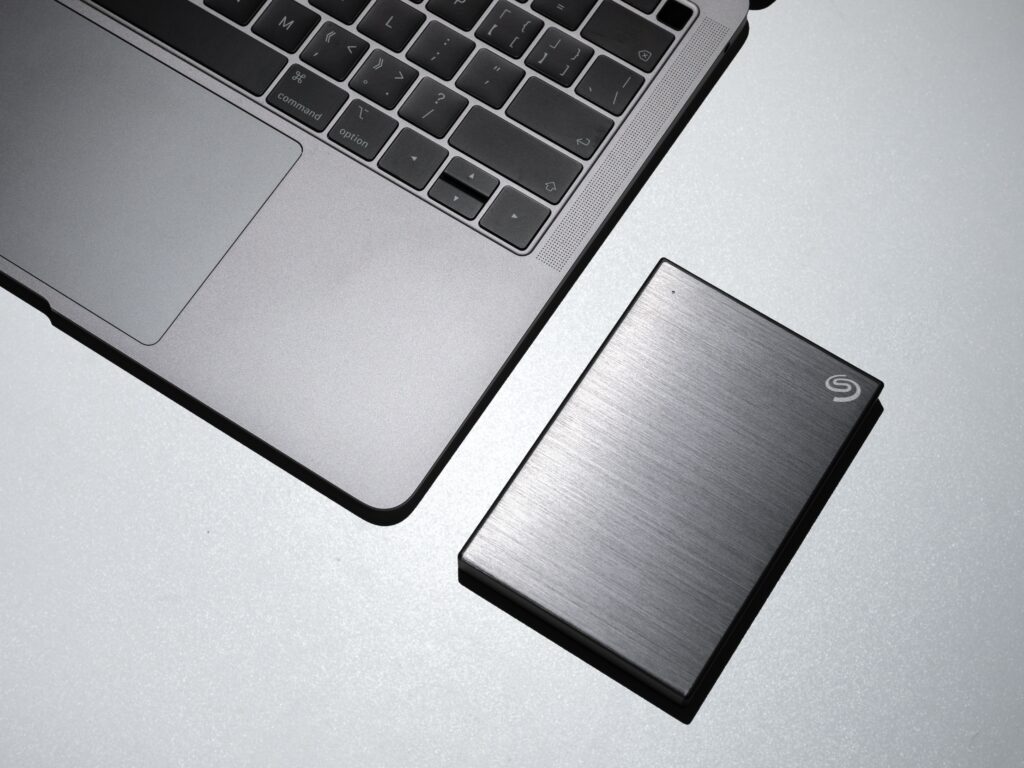
To ensure smooth gameplay, it’s essential to choose an external hard drive with a fast read/write speed, preferably at least 7200 RPM, and a fast transfer rate like USB 3.0 or Thunderbolt. Consider opting for an SSD instead of a traditional HDD since SSDs tend to have even faster read/write speeds.
Connectivity is another important factor to consider. Ensure that the external hard drive is compatible with the operating system of your computer, and connect it through a high-speed port such as USB 3.0 or Thunderbolt for speedy data transfer.
Before downloading or transferring your games to the external hard drive, check that your computer meets the minimum system requirements of the games you want to play. Also, ensure that the external hard drive has sufficient storage space to accommodate the games you want to play. It’s best to have twice the amount of storage space available as the size of the games being played to avoid any storage issues.
To set up the external hard drive for gaming, the first step is to format the drive using the built-in formatting tool in your computer’s operating system. Be aware that formatting the drive will erase all data on it, so it’s crucial to back up any important files before formatting.
Once the external hard drive is formatted, connect it to your computer, and open the file explorer. The drive should appear in the list of available drives, and you can access the games by navigating to the appropriate folder. Double-click on the game’s executable file to launch the game, and it should run as if it were installed on your computer’s internal hard drive.
It’s important to note that playing games off an external hard drive may result in slower load times and reduced performance compared to playing games installed on your computer’s internal hard drive. This is because the read and write speeds of the external hard drive may be slower than those of the internal hard drive. Additionally, external hard drives are more susceptible to data corruption and file errors, which can affect gameplay.
In conclusion, playing games off an external hard drive can be a convenient option for gamers who require additional storage or prefer to carry their games on the go. However, it’s crucial to keep several factors in mind, including the speed of the external hard drive, its connectivity, and the system requirements of the games you want to play. Also, remember to back up any essential files before formatting the drive, and be aware of the possibility of slower load times and reduced performance when playing games off an external hard drive.