If your Vizio TV is not working properly or has frozen, restarting it can often solve the problem. Here are some steps to restart your Vizio TV:
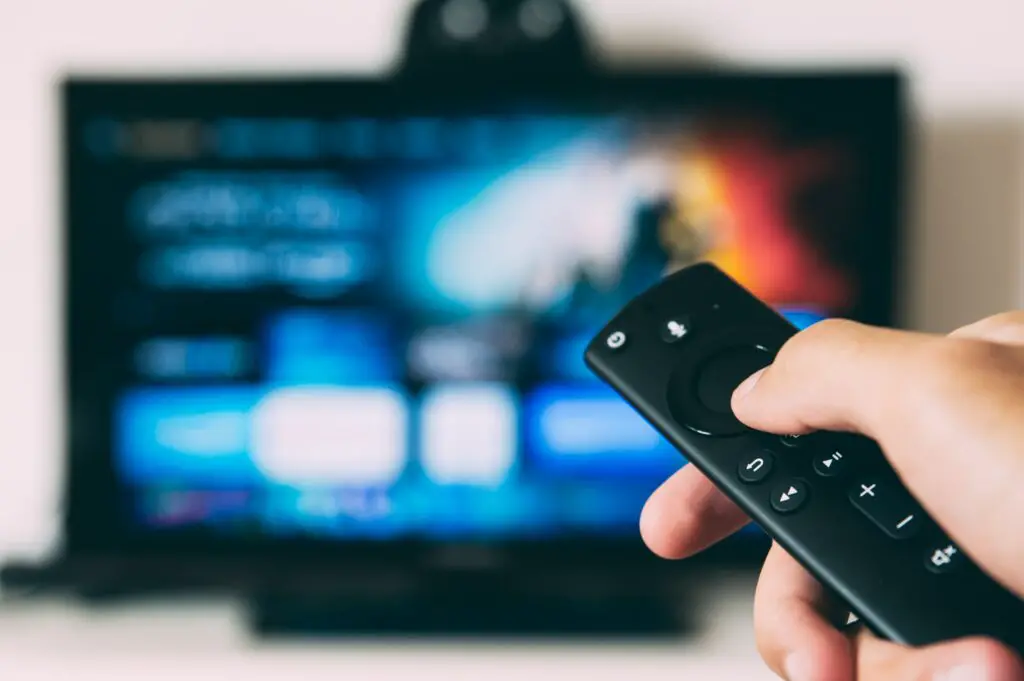
- Unplug your Vizio TV: The first step in restarting your Vizio TV is to unplug it from the wall outlet. This will completely power off the TV.
- Wait for a few minutes: After unplugging your Vizio TV, wait for a few minutes before plugging it back in. This will give the TV time to fully power down and reset.
- Plug in your Vizio TV: After waiting for a few minutes, plug your Vizio TV back into the wall outlet.
- Turn on your Vizio TV: Once your Vizio TV is plugged back in, turn it on using the power button on the TV or your remote control.
- Check if the problem is resolved: After restarting your Vizio TV, check if the problem you were experiencing has been resolved. If the TV is still not working properly, you may need to try some additional troubleshooting steps or contact Vizio customer support.
Additional troubleshooting steps for a Vizio TV that is not working properly include:
- Check the power source: Make sure that the power outlet your Vizio TV is plugged into is working properly. You can test this by plugging in another device, such as a lamp, to see if it turns on.
- Check the connections: Make sure that all cables and connections are properly plugged in and secured. If a cable is loose or disconnected, it can cause problems with your TV.
- Reset the TV to factory settings: If your Vizio TV is still not working properly after restarting it, you can try resetting it to its factory settings. To do this, go to the “System” or “Settings” menu on your TV and select “Reset to Factory Settings”. This will erase all of your settings and preferences, so make sure to back up any important data or settings beforehand.
- Update the firmware: Vizio releases firmware updates from time to time that can address bugs and improve performance. To check for updates, go to the “System” or “Settings” menu on your TV and select “Check for Updates”.
- Contact Vizio customer support: If you have tried all of the above steps and your Vizio TV is still not working properly, you may need to contact Vizio customer support. They can help diagnose the problem and provide further assistance.
Restart Vizio TV