Roku is a popular streaming platform that allows users to access a wide range of streaming services and channels on their TV. While Roku does not have internal storage capabilities, users can still store their personal media files on an external hard drive and access them through their Roku device. In this article, we will explore how to use an external hard drive with Roku and the benefits of doing so.
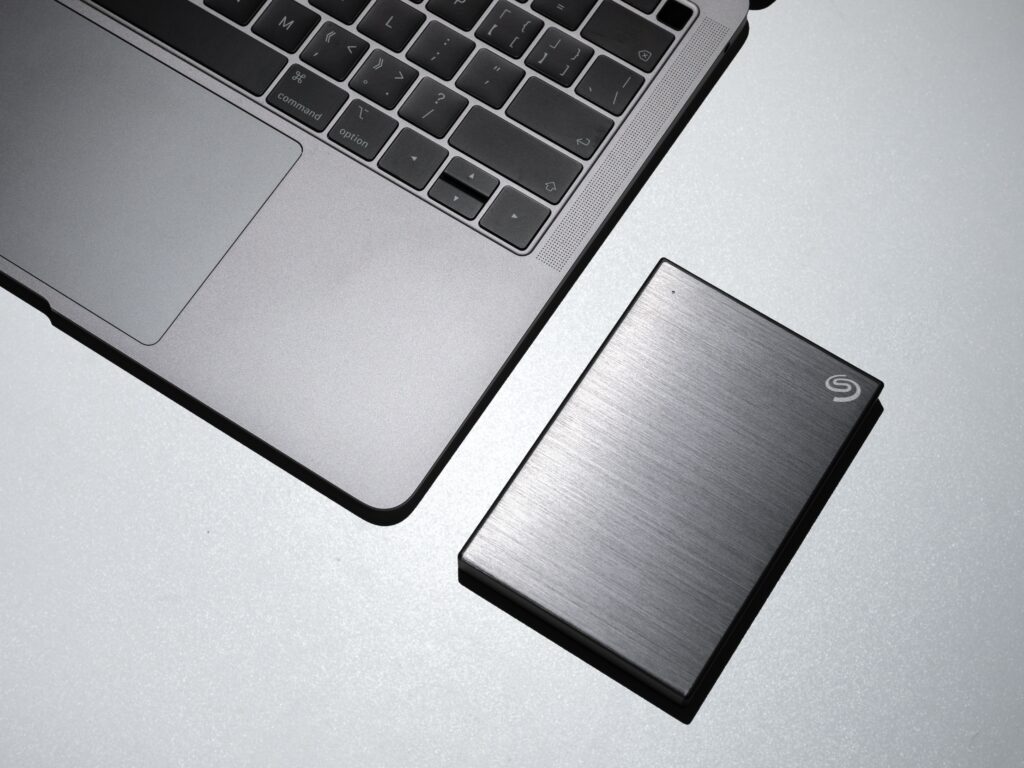
Before we begin, it is important to note that not all Roku devices are compatible with external hard drives. The Roku Ultra and Roku Premiere models are the only ones that support external storage devices. If you have a Roku Express or Roku Streaming Stick, you will not be able to connect an external hard drive.
To use an external hard drive with your Roku device, you will need to follow these steps:
- Connect your external hard drive to your computer and transfer your personal media files (movies, TV shows, music, photos) to the hard drive.
- Make sure your external hard drive is formatted in either FAT32 or NTFS format. Roku devices do not support other formats such as exFAT or HFS+.
- Connect your external hard drive to your Roku device using a USB cable.
- On your Roku device, go to Settings > System > USB Media Player > USB Device.
- Select the external hard drive from the list of available devices.
- Once your external hard drive is connected, you should be able to access your personal media files through the Roku media player app.
One of the main benefits of using an external hard drive with Roku is the ability to access your personal media files on your TV. You can store your movies, TV shows, music, and photos on the hard drive and access them through the Roku media player app. This allows you to enjoy your personal media files on a larger screen and with a better audio system.
Another benefit of using an external hard drive with Roku is that it allows you to expand your storage capacity. While Roku devices do not have internal storage capabilities, you can use an external hard drive to store additional content without having to worry about running out of space on your Roku device.
Additionally, using an external hard drive with Roku allows you to easily share your personal media files with others. You can bring your external hard drive to a friend’s house and connect it to their Roku device, allowing them to access your media files without having to transfer them to a different device.
It is important to note that there are some limitations to using an external hard drive with Roku. Firstly, not all file formats are supported by Roku. The media player app on Roku supports a limited number of file formats, including MP4, MKV, AVI, and MP3. If your personal media files are in a different format, you will need to convert them to a supported format before you can access them on your Roku device.
Secondly, using an external hard drive with Roku may not provide the best user experience if you have a large media library. The Roku media player app does not offer advanced search or sorting options, which can make it difficult to navigate through a large number of files.
In conclusion, using an external hard drive with Roku is a great way to access your personal media files on your TV and expand your storage capacity. However, it is important to make sure your external hard drive is formatted in a compatible format and that your media files are in a supported file format. If you have a large media library, you may want to consider using a different media player app that offers more advanced search and sorting options. Overall, using an external hard drive with Roku is a convenient and cost-effective way to enjoy your personal media files on a larger screen.