The location of HDMI ports on Samsung TVs can vary depending on the model and size of the TV. Here are some general guidelines for finding HDMI ports on Samsung TVs:
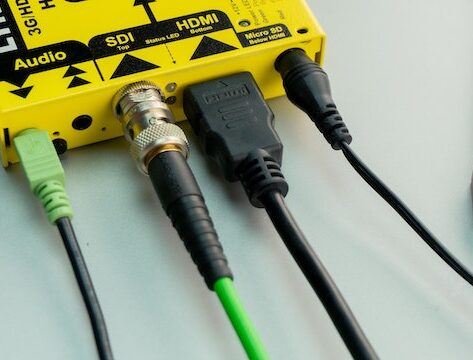
- Look on the back of the TV: In most cases, HDMI ports are located on the back of the TV. They are usually grouped together in a row or column and may be labeled as “HDMI.”
- Check the side of the TV: Some Samsung TVs have HDMI ports located on the side of the TV. Look for a row of ports or a panel that can be opened to reveal the ports.
- Check the bottom of the TV: In rare cases, Samsung TVs may have HDMI ports located on the bottom of the TV. This is more common on smaller TVs and monitors.
- Check the TV manual: If you are unsure where the HDMI ports are located on your Samsung TV, check the TV manual. The manual should have a diagram or description of the port locations.
- Use the TV menu: If you have already connected a device to your Samsung TV and are having trouble finding the HDMI port, try using the TV menu to locate it. Go to the input settings and select the HDMI input. The TV should display a message indicating which HDMI port is in use.
- Use a flashlight: If the HDMI ports are located in a hard-to-see area, use a flashlight to help you locate them. This is particularly helpful if the ports are located on the side or bottom of the TV.
It’s important to note that not all HDMI ports on Samsung TVs are created equal. Some Samsung TVs may have one or more HDMI ports that are labeled as “ARC” (Audio Return Channel). These ports are designed to allow audio to be sent back to an audio device, such as a soundbar or home theater system. If you are using an audio device with your Samsung TV, be sure to connect it to the correct HDMI port.
In conclusion, the location of HDMI ports on Samsung TVs can vary, but they are usually located on the back or side of the TV. Check the TV manual or use the TV menu to locate the ports if necessary. If you are using an audio device, be sure to connect it to the correct HDMI port.