Disney Plus is a popular streaming service that offers a wide range of movies and TV shows for subscribers. Screen sharing can be a great way to enjoy Disney Plus with friends and family, allowing everyone to watch together on the same screen. Here are the steps to screen share Disney Plus:
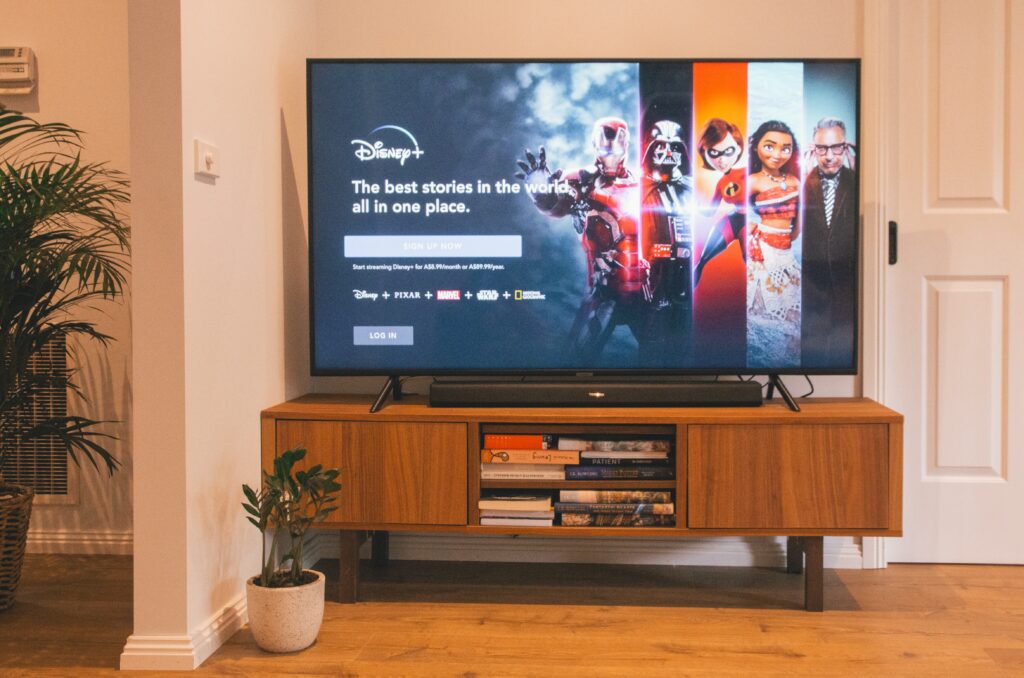
Step 1: Determine your screen sharing method
There are a few different ways to screen share Disney Plus, depending on your device and preferences. Some popular options include:
- Screen sharing through a video conferencing app (e.g. Zoom, Skype, Google Meet)
- Screen sharing through a streaming device (e.g. Apple TV, Chromecast, Roku)
- Screen sharing through a smart TV’s built-in screen sharing feature
Step 2: Choose your device and start Disney Plus
Once you have determined your preferred screen sharing method, choose your device and start Disney Plus.
Step 3: Begin screen sharing
If you are screen sharing through a video conferencing app, start a call with the people you want to share your screen with. Share your screen with the call participants by selecting the “Share Screen” option within the video conferencing app.
If you are screen sharing through a streaming device or smart TV, navigate to the screen sharing feature and select the option to share your screen.
Step 4: Start playing Disney Plus content
Once you have started screen sharing, begin playing your desired Disney Plus content. The content will be displayed on your screen and shared with anyone who is viewing your screen.
Step 5: Adjust settings as needed
You may need to adjust the settings of your screen sharing method to optimize the viewing experience. For example, you may need to adjust the volume or resolution of the screen share.
Step 6: End screen sharing
When you are finished screen sharing, end the screen sharing session through the video conferencing app or streaming device. If you are using a smart TV, simply exit the screen sharing feature.
It’s worth noting that screen sharing can result in a lower quality viewing experience, particularly if you are sharing with a large group of people or using an unstable internet connection. Additionally, screen sharing may not be available or supported on all devices. If you experience issues with screen sharing, you may need to try a different method or troubleshoot the issue.
In summary, screen sharing Disney Plus can be a great way to enjoy content with friends and family. To screen share, determine your preferred method, start Disney Plus on your device, begin screen sharing, start playing content, adjust settings as needed, and end the screen sharing session when finished. Remember that screen sharing may result in a lower quality viewing experience and may not be available on all devices.