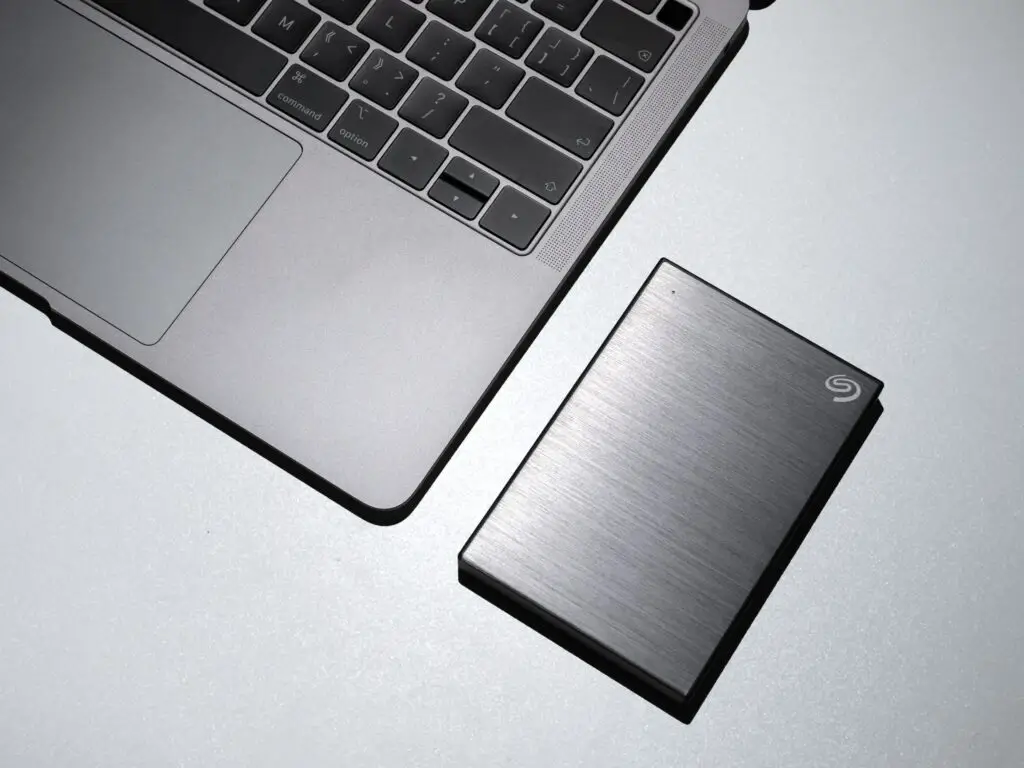
External hard drives are an excellent tool for storing important files, backing up data, and transferring files between computers. However, they can be prone to various issues, including disconnecting unexpectedly. Seagate external hard drives are among the most popular options on the market, but they can also experience disconnection problems. In this answer, we will discuss the possible causes and solutions for Seagate external hard drives that keep disconnecting.
Causes:
Connection Issues: The most common cause of an external hard drive disconnecting is a faulty connection. If the USB or power cable is loose, damaged, or not connected properly, the hard drive may disconnect. This can also happen if the USB port on your computer is faulty or not providing enough power to the drive.
Power Management: Another cause of disconnection could be the power management settings on your computer. Some computers have settings that allow USB ports to go to sleep or reduce power output to save energy. If the hard drive is not receiving enough power, it may disconnect.
Driver Issues: If the drivers for the external hard drive are not up-to-date or are corrupted, it may cause the hard drive to disconnect. This can also happen if the drivers for the USB port on your computer are outdated or missing.
File System Corruption: File system corruption can also cause an external hard drive to disconnect. This can happen if the hard drive is not properly ejected from the computer, or if there is a virus or malware on the hard drive that corrupts the file system.
Solutions:
Check Connections: The first step in troubleshooting an external hard drive that keeps disconnecting is to check the connections. Ensure that the USB and power cables are properly connected and not damaged. Try connecting the hard drive to a different USB port on your computer. If the hard drive still disconnects, try using a different cable.
Disable Power Management: If the hard drive is not receiving enough power, you can try disabling power management settings on your computer. Go to the device manager, find the USB ports, and disable power management for each port.
Update Drivers: Updating the drivers for the external hard drive and the USB ports on your computer can also fix disconnection issues. You can download the latest drivers from the manufacturer’s website or use a driver update software.
Run Disk Check: If the file system on the hard drive is corrupted, you can run a disk check to fix any errors. To do this, right-click on the hard drive in File Explorer, select Properties, go to the Tools tab, and click Check.
Scan for Malware: If the hard drive is infected with malware or a virus, it can cause disconnection issues. Use an antivirus software to scan the hard drive and remove any threats.
Use a Powered USB Hub: If the USB port on your computer is not providing enough power to the hard drive, you can try using a powered USB hub. This will provide additional power to the hard drive and may prevent disconnection issues.
Conclusion:
Seagate external hard drives can experience disconnection issues due to various reasons, including faulty connections, power management settings, driver issues, and file system corruption. Troubleshooting the problem involves checking the connections, disabling power management, updating drivers, running disk checks, scanning for malware, and using a powered USB hub. By following these steps, you can resolve the disconnection issues and continue using your Seagate external hard drive without any problems.