If your Seagate external hard drive is not working, it can be a frustrating experience. There can be several reasons for this issue, ranging from minor glitches to more serious hardware problems. In this article, we will discuss the possible reasons and solutions for a Seagate external hard drive not working.
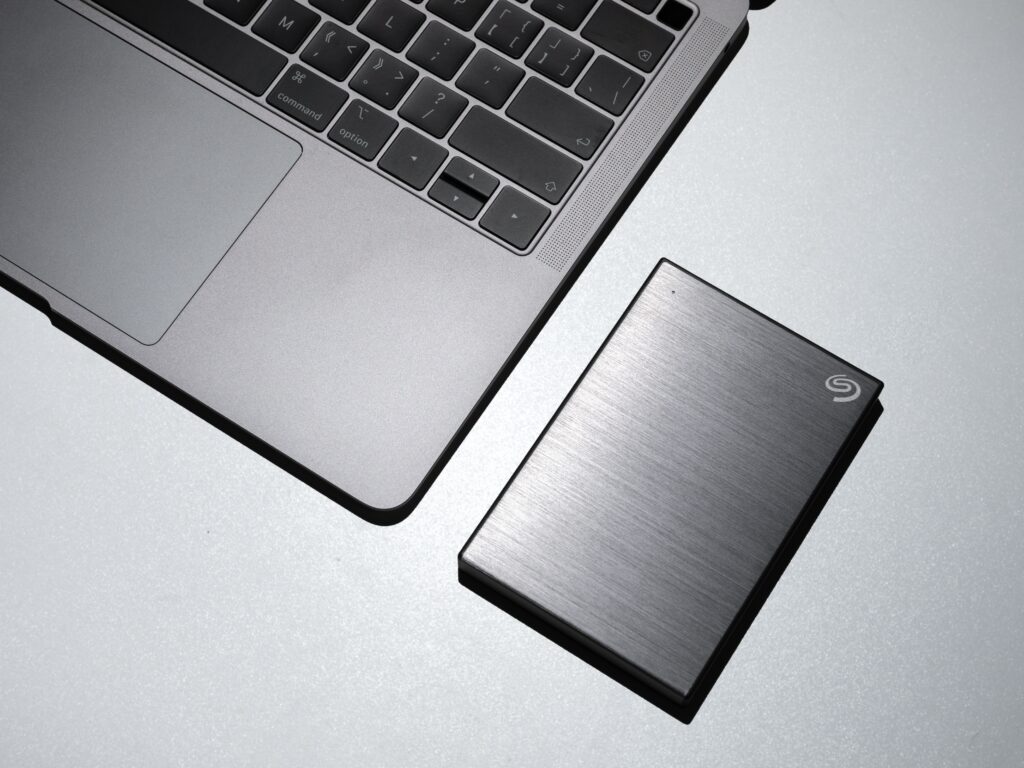
Possible Reasons for Seagate External Hard Drive Not Working
- Connection Issues: The first and most common reason for an external hard drive not working is a connection problem. Ensure that your Seagate external hard drive is correctly plugged into your computer, and the cable is firmly connected.
- Driver Issues: If the driver for your Seagate external hard drive is outdated or missing, your computer may not recognize the drive. You can check if your computer is detecting the external hard drive by going to the device manager on your computer.
- File System Issues: If the file system of the external hard drive is corrupted or damaged, it can cause issues with accessing data on the drive. This can occur due to improper ejection or a virus/malware attack.
- Physical Damage: Physical damage to the external hard drive can also cause it to stop working. This can occur due to drops, bumps, or other mishandling of the device.
Solutions for Seagate External Hard Drive Not Working
- Check Connections: The first step is to check the connections between the external hard drive and your computer. Ensure that the cable is securely connected and not damaged. You can also try plugging the drive into a different USB port.
- Check Driver: Ensure that the driver for your Seagate external hard drive is up-to-date. You can check for driver updates on the Seagate website or use a third-party software program to update the driver automatically.
- Run Disk Check: If the file system of the external hard drive is corrupted, you can run a disk check to repair any errors. To do this, right-click on the external hard drive in Windows Explorer and select Properties > Tools > Check.
- Data Recovery: If the external hard drive is physically damaged, you may need to use a data recovery service to retrieve any data on the drive. Some data recovery software programs may also be able to recover data from a damaged drive.
- Format the Drive: If none of the above solutions work, you may need to format the external hard drive. However, this will erase all the data on the drive, so make sure to back up any important files before proceeding.
Conclusion
In conclusion, a Seagate external hard drive not working can be a frustrating experience, but there are several possible solutions to the problem. Ensure that your connections are secure, check for driver updates, run a disk check, and consider data recovery services if necessary. With the right solution, you can get your Seagate external hard drive up and running again in no time.