Seagate is a well-known brand of portable hard drives, but like all electronic devices, they can sometimes experience issues. One common problem users may encounter is when their Seagate portable hard drive is not showing up on their computer. If this is happening to you, there are a few things you can try to troubleshoot the issue.
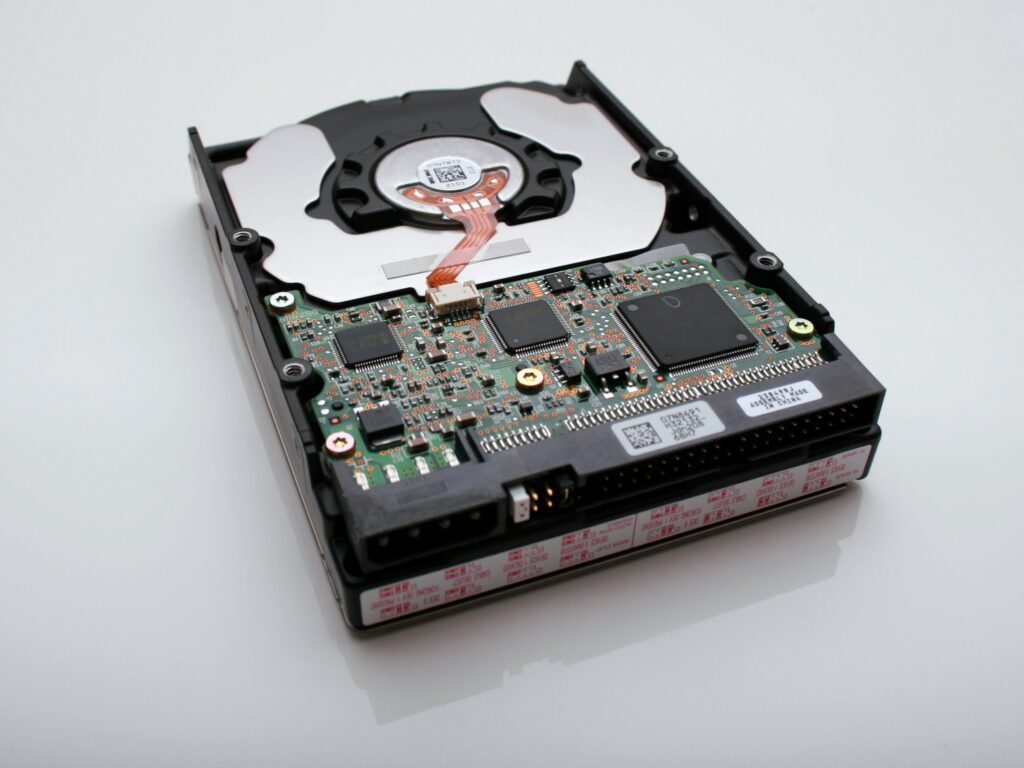
- Check the connection
The first thing to check is the connection between your Seagate portable hard drive and your computer. Ensure that the USB cable is securely connected to both the hard drive and your computer. Try unplugging and replugging the cable to make sure it is firmly in place.
- Check the power source
Seagate portable hard drives usually do not require a separate power source, as they draw power through the USB connection. However, if your hard drive is not showing up, it may not be receiving enough power. Try plugging it into a different USB port, preferably one directly on your computer, as some USB hubs may not provide enough power. If this doesn’t work, try connecting the hard drive to a different computer or using a different USB cable.
- Check the device manager
If your Seagate portable hard drive is still not showing up, you can check the device manager to see if it is recognized by your computer. To access the device manager on Windows, press the Windows key + X and select Device Manager. Look for the Seagate portable hard drive under Disk Drives or Universal Serial Bus controllers. If it is listed, right-click on it and select Update Driver Software. Follow the prompts to update the driver and see if that fixes the issue.
- Check the disk management tool
If your Seagate portable hard drive is still not showing up, it may need to be initialized or formatted. To do this, you can use the disk management tool in Windows. To access this tool, right-click on the Windows Start button and select Disk Management. Look for the Seagate portable hard drive in the list of disks. If it is listed, right-click on it and select Initialize Disk. Follow the prompts to initialize the disk and then format it. Once this is complete, the hard drive should show up on your computer.
- Use data recovery software
If none of the above methods work, you may have a more serious issue with your Seagate portable hard drive. If you have important data on the hard drive, you can try using data recovery software to recover your files. There are several free and paid data recovery tools available online. These tools scan your hard drive and attempt to recover any files that are still accessible. Note that data recovery is not always successful and may not be possible if the hard drive is physically damaged.
- Contact Seagate support
If none of the above methods work, and your Seagate portable hard drive is still not showing up, it may be time to contact Seagate support. They can help you troubleshoot the issue further and may be able to offer a warranty repair or replacement if your hard drive is still under warranty.
In conclusion, if your Seagate portable hard drive is not showing up on your computer, there are several things you can try to troubleshoot the issue. First, check the connection and power source. Then, check the device manager and disk management tool to see if the hard drive is recognized by your computer. If all else fails, you can use data recovery software or contact Seagate support for further assistance.