If your smart TV is not connected to the internet, it can be frustrating, especially if you rely on it for streaming services like Netflix, Hulu, or Amazon Prime Video. Here are some possible solutions to try if your smart TV is not connecting to the internet:
- Check your network settings: First, check your smart TV’s network settings to make sure that they are configured correctly. Go to the settings menu on your smart TV, find the network settings, and check that your Wi-Fi network is selected and that the password is entered correctly. You may also want to try resetting your network settings to their default settings.
- Check your Wi-Fi signal: Make sure that your smart TV is within range of your Wi-Fi signal and that the signal strength is strong enough. You can also try moving your router closer to your TV or using a Wi-Fi extender to boost your signal strength.
- Restart your router: Sometimes, your router may be the issue. Try restarting your router by unplugging it from the power source, waiting for a minute, and then plugging it back in.
- Check for firmware updates: Your smart TV may need a firmware update to fix any bugs or issues that may be preventing it from connecting to the internet. Go to the settings menu on your smart TV and check for any available firmware updates.
- Try a wired connection: If your smart TV is not connecting to your Wi-Fi network, you can try connecting it to your router via an Ethernet cable. This can provide a more stable and reliable connection.
- Contact your internet service provider: If none of the above solutions work, you may want to contact your internet service provider to check for any issues with your internet connection.
- Reset your smart TV: If all else fails, you can try resetting your smart TV to its factory settings. This will erase all data on your TV, so make sure to back up any important data first. Go to the settings menu on your smart TV, find the reset option, and follow the prompts to reset your TV.
In conclusion, there are several possible solutions to try if your smart TV is not connecting to the internet. Checking your network settings, Wi-Fi signal, restarting your router, checking for firmware updates, trying a wired connection, contacting your internet service provider, and resetting your smart TV are all potential solutions that may help to resolve the issue.
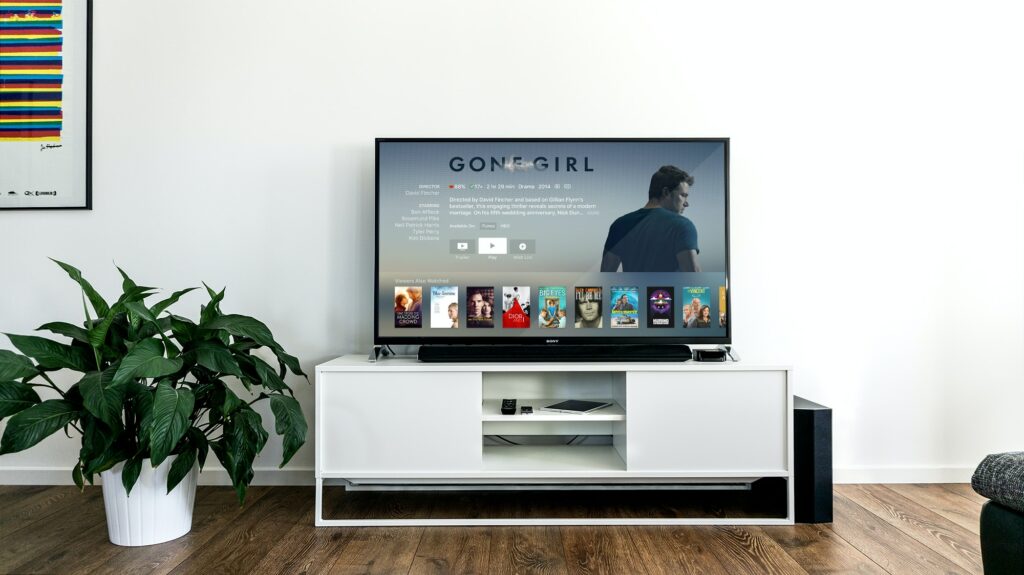
Smart TV not connected to Internet