A Smart TV stick, also known as a streaming stick, is a device that plugs into your TV’s HDMI port and allows you to access streaming content directly on your television. These devices are small and portable, making them a great option for those who want to access streaming content without investing in a new smart TV.
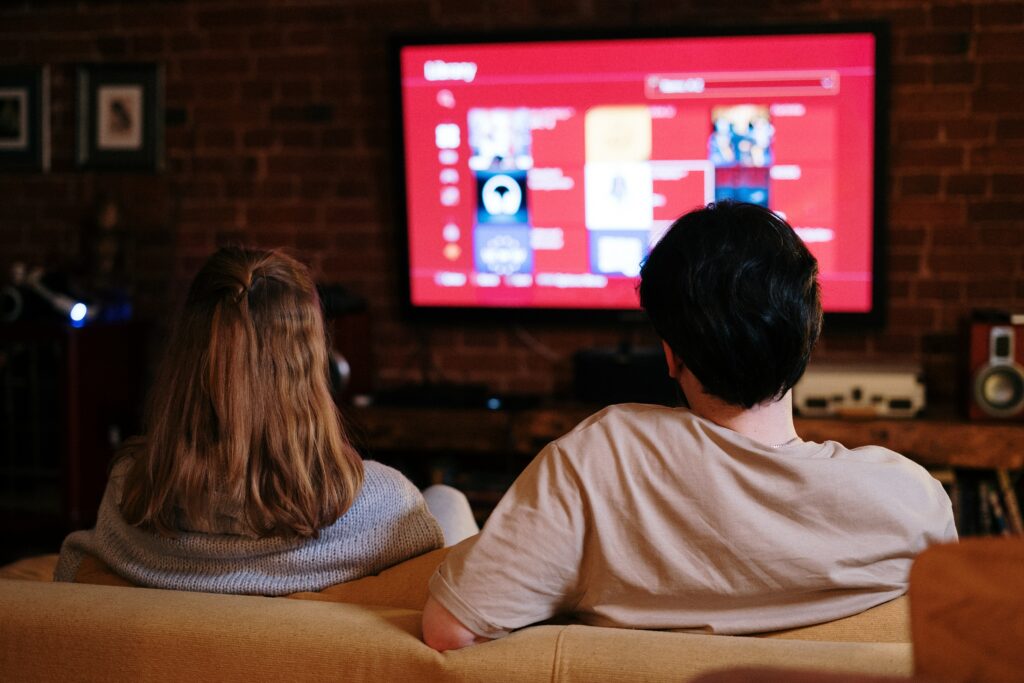
There are several popular Smart TV stick brands on the market, including Amazon Fire TV Stick, Roku Streaming Stick, and Google Chromecast. Each of these devices offers its own unique features and benefits, but the basic setup and usage process is similar for all of them.
Here are the steps to set up and use a Smart TV stick:
Step 1: Connect the Smart TV stick to your TV
The first step is to connect the Smart TV stick to your TV’s HDMI port. Most Smart TV sticks come with an HDMI extender cable that allows you to position the stick away from the TV for better signal reception. Once you have connected the stick to your TV, plug it into a power source using the included USB cable.
Step 2: Connect to the internet
Next, connect the Smart TV stick to the internet. Most devices allow you to connect via Wi-Fi or Ethernet. If you are using Wi-Fi, make sure your Smart TV stick is within range of your wireless network. Once connected, follow the on-screen instructions to complete the setup process.
Step 3: Download apps
Once your Smart TV stick is connected to the internet, you can start downloading apps to access streaming content. Most Smart TV sticks come with popular streaming apps pre-installed, but you can also download additional apps from the device’s app store. Some of the most popular streaming apps include Netflix, Hulu, Amazon Prime Video, and Disney+.
Step 4: Navigate and use the Smart TV stick
Once you have downloaded your preferred streaming apps, you can start navigating and using your Smart TV stick. Most devices come with a remote control that allows you to navigate menus and select content. Some devices also support voice commands, which can be especially useful when searching for specific content.
Pros and Cons of using a Smart TV stick
Pros:
- Affordable alternative to buying a new smart TV
- Easy to set up and use
- Portable and can be used on multiple TVs
- Access to a wide variety of streaming content and apps
Cons:
- May require separate subscriptions for some streaming services
- Limited storage capacity may require frequent app deletion and reinstallation
- May experience lag or buffering if internet connection is not strong enough
- Some devices may not support certain apps or features
Overall, a Smart TV stick is a great option for those who want to access streaming content without investing in a new smart TV. With easy setup and access to a wide variety of content, it’s a convenient way to enjoy your favorite shows and movies from the comfort of your own living room.